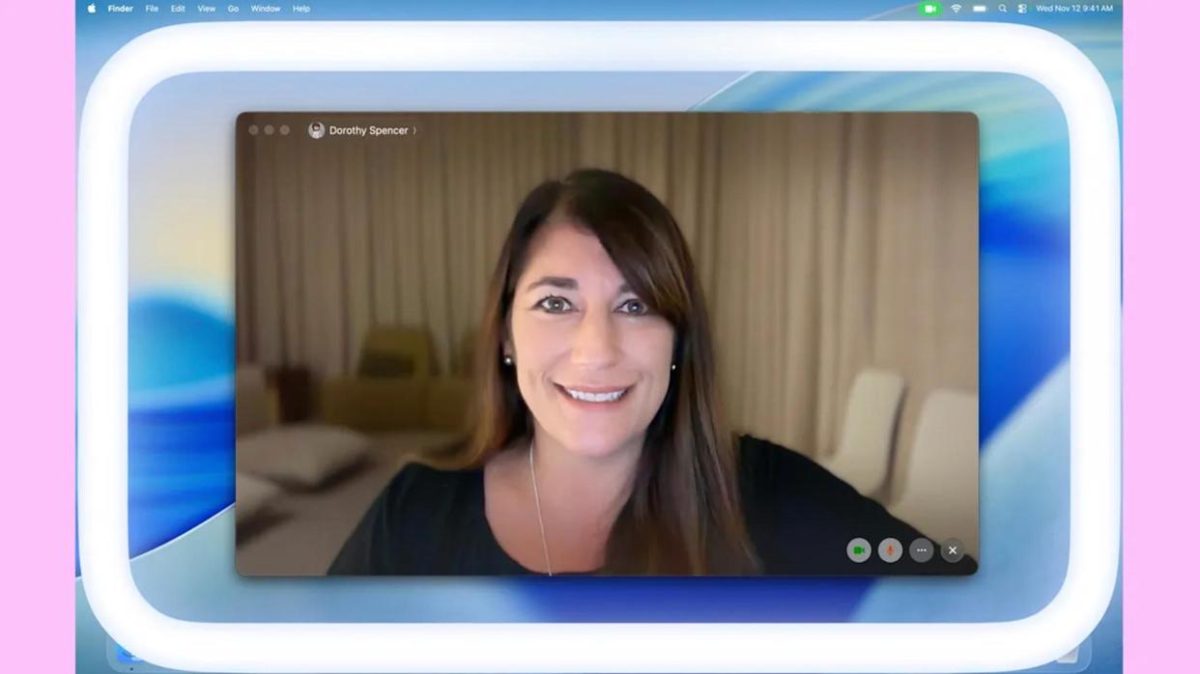

A new macOS feature is designed to help with a common problem these days: looking good on video calls when you’re in a dark room. The newest beta version of macOS Tahoe 26.2 includes a cool tool called Edge Light that softly illuminates your face during video calls using your display. This new Edge Light feature makes your Mac’s screen look like a ring light. It makes a soft glow around the edge of your screen, which can help you look clearer and more professional on calls, even when the lighting isn’t great.
This virtual solution is much smarter than a real light that you have to buy and set up. Apple says your Mac’s Neural Engine can find your face, its size, and its location in the video. This ensures the light is in the right place for your setup. The Image Signal Processor then adjusts the macOS Edge Light’s brightness to match the light in your room perfectly.
The feature is also meant to be useful, not distracting. The Edge Light will automatically move out of the way if your mouse cursor gets too close to the edge of the screen, so you can always see what’s on your screen without any problems. You can even set this virtual ring light to turn on automatically when your Mac detects that you are in a dark place. This feature is available on Macs released in 2024 or later.
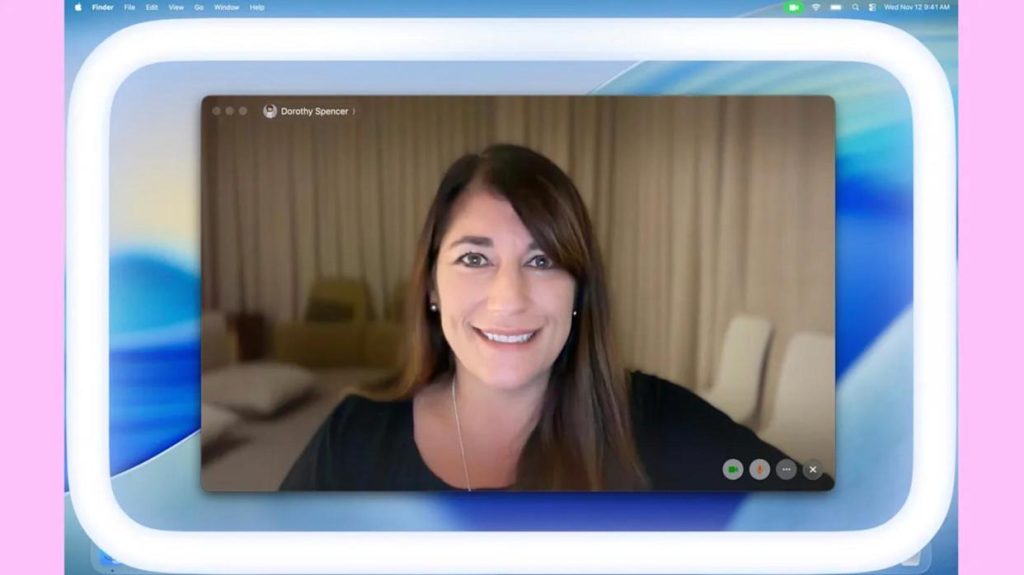
Video conferencing apps have the Edge Light control next to other video settings like Portrait mode and Studio Light. You can use it with your favorite calling apps, such as FaceTime, Zoom, and Webex. The virtual ring light works with all Macs that have Apple Silicon and with external cameras like the Studio Display.
With this new update, getting good lighting on video calls is now a natural part of using the software. The Edge Light feature will be available to everyone in the next public release of macOS Tahoe 26.2, scheduled for December.