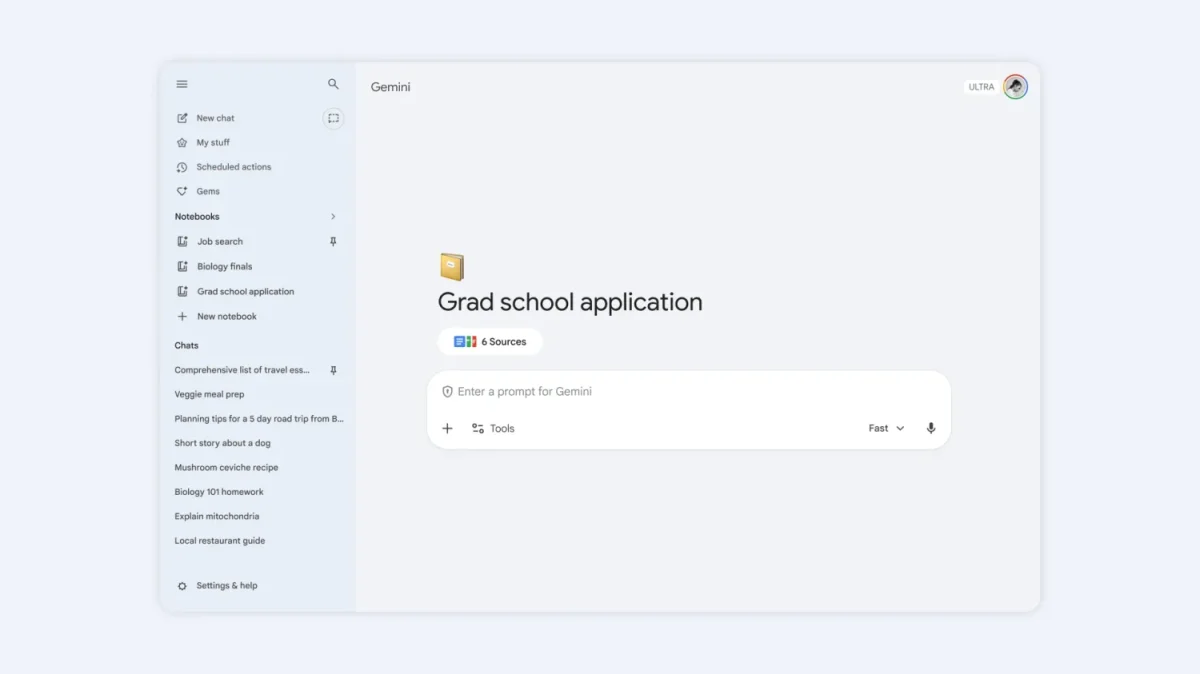

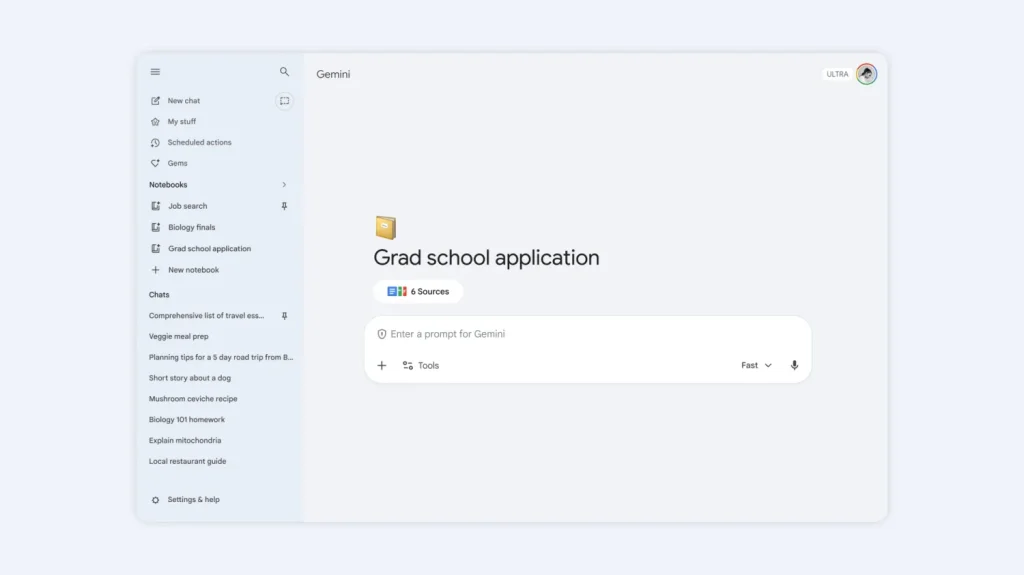
The Notebooks feature is now free for all Gemini app users. With Notebooks, you can organize your chats, files, and custom instructions into project hubs powered by AI. Each notebook can store up to 50 sources. Notebooks were first launched for Google AI Ultra, Pro, and Plus subscribers on April 8, 2026, but now anyone using the free Gemini app on the web can use them. According to Google’s official blog, Notebooks act as “personal knowledge bases shared across Google products, starting in Gemini.”
How Gemini Notebooks work for free users
According to 9to5Google, free users can now create Notebooks with up to 50 sources each. Paid plans offer higher limits: AI Plus users can add up to 100 sources, Pro subscribers can add up to 300, and Ultra subscribers can add up to 600 sources per notebook. With Notebooks, you can:
- Organize chats and files – Keep conversations about a single topic in one dedicated space.
- Add custom instructions – Set tone and response format preferences for each notebook.
- Sync with NotebookLM – Access the same notebooks in Google’s research tool to create Video Overviews and Infographics.
- Use full Gemini tools – Web search and other Gemini features work within notebooks.
You can add any Gemini conversation to a notebook by clicking the three-dot menu. Google will consider all chats in a notebook when responding, but you can turn off the notebook memory setting if you want. Right now, notebooks are only available online at gemini.google.com. Support for mobile and Mac apps is coming soon.
According to Google’s official announcement, the feature is not available to users under 18 or to those with Workspace or Education accounts. Google also shared plans to make Notebooks into “personal knowledge bases shared across Google products” and hinted at more helpful features coming later this year.
In conclusion, all Gemini users can now use Notebooks for free. This feature makes it easy to organize your AI conversations and files into project workspaces.