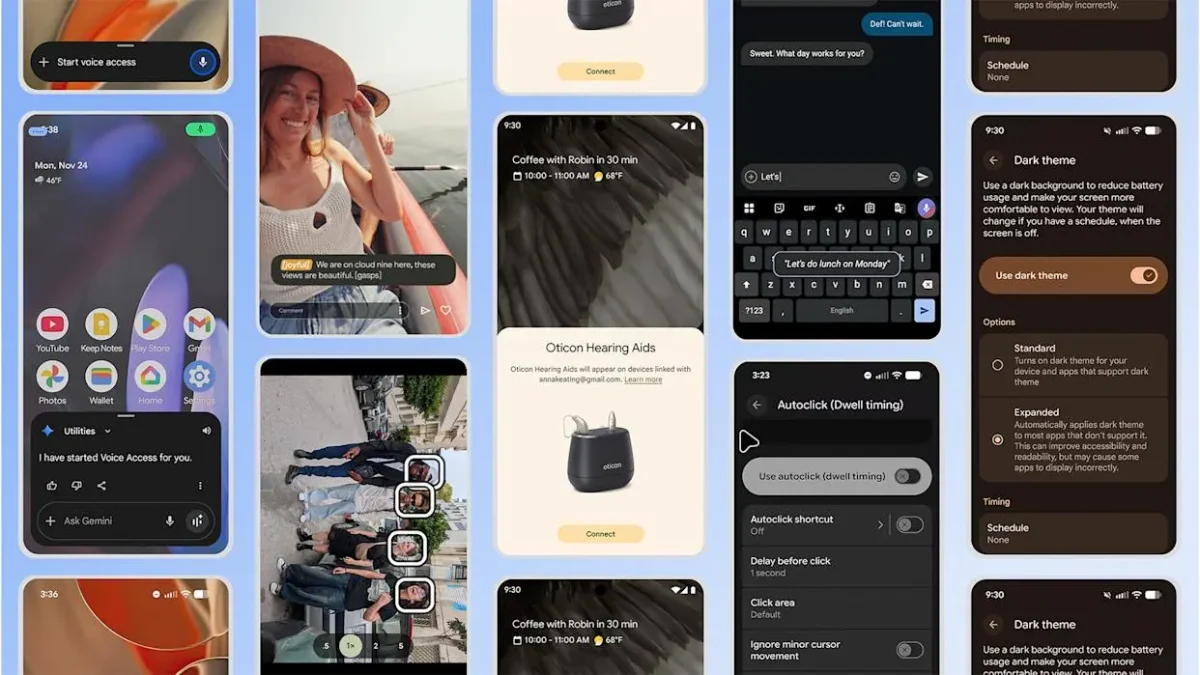

Google is releasing a series of updates to Android accessibility that will make Android devices easier for everyone to use. These new Android accessibility features are meant to meet a wide range of needs, making it easier for people to use their phones and tablets.
The updates are mostly about improving communication, personalization, and control. This ongoing investment shows how important basic Android accessibility features have become to the platform’s growth, ensuring that the technology works for users.
New Android accessibility tools launching soon
The “Look to Speak” feature is adding support for more languages. People can pick out phrases on their screen with just their eyes using this tool. It will soon be able to work in nine new languages, including Hindi and Spanish. You can now talk to more people without touching or speaking on your device.

People who rely on sound cues will soon be able to use a new “Sound Notifications” option. It can tell you about certain sounds in your house, like water running or appliances beeping. According to Android Central, these sound alerts are very important for helping users connect with their surroundings. The system will either flash the device’s camera light or vibrate when it hears these important sounds.
The “Select to Speak” feature is improving, making it easier to customize. There is a new player and a new color scheme for this service. The updates make it easier to read aloud and to highlight text. It’s better for people with dyslexia or other reading issues because it converts text to speech and shows feedback more clearly.
Finally, Google is adding a new feature called “Google Maps Accessible Places” to connect its ecosystem. If you turn this on, your phone will tell you that it supports wheelchair-accessible routes as soon as you search for directions. According to 9to5Google, similar projects are happening that show how directional aids are changing. This helps you find places that are easy to get to right from your directions.
In conclusion, these updates are meant to make Android easier for everyone to use. These Android accessibility features, like controls you can use with your eyes and smarter alerts about what’s happening around you, can help you in the real world. They show that good design is design that can be changed. This lets more people use the internet.