


Google has made it easier to request the removal of non-consensual explicit images from search results. The Google remove non-consensual images tool aims to assist victims by simplifying the process of reporting images taken without permission.
This tool lets you report images from search results and track requests in one place. It makes a big difference in the safety features that Google already has. Sharing private photos without permission, also called “revenge porn” or “image-based sexual abuse,” is a serious violation of privacy that can hurt many people.
When victims see these pictures in search results, they may feel even more helpless and hurt. Requesting removal was frequently more difficult and time-consuming prior to this update. Google’s tool to remove non-consensual images aims to empower individuals by simplifying, speeding up, and improving the quality of their requests.

How does the Google remove non-consensual images tool work?
The main purpose of this Google tool is to help you remove non-consensual images. The following are the most important components of the tool and an explanation of how they work together.
- Quick Removal from Search: If you find a sexual picture of yourself in Google Search results, you can click the three dots on the picture’s preview. Choose “Remove result,” then select “It shows a sexual image of me.” After that, you can indicate whether the picture is real or not.
- Submit Multiple Images at Once: You can now send more than one picture at a time. You don’t have to write a different report for each one. This tool lets you choose and send requests for more than one non-consensual image in one form. This feature can help you relax and save a lot of time.
- Opt-In for Ongoing Protection: Once you request the removal of something, you have the option to maintain your protection. Google will then actively filter out similar explicit results from your future searches, giving you an extra layer of protection.
- Getting help: After you send in a request, Google gives you links to professional groups that can help victims with their legal and emotional needs.
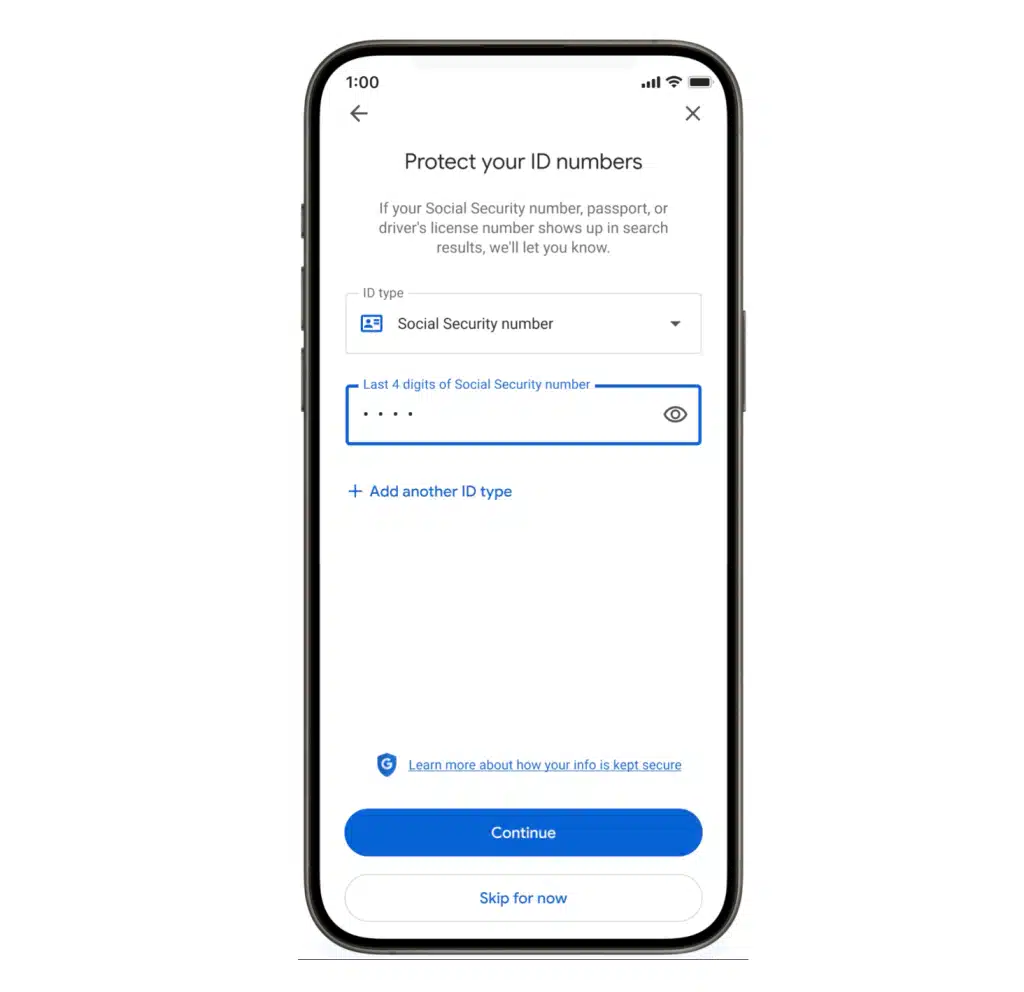
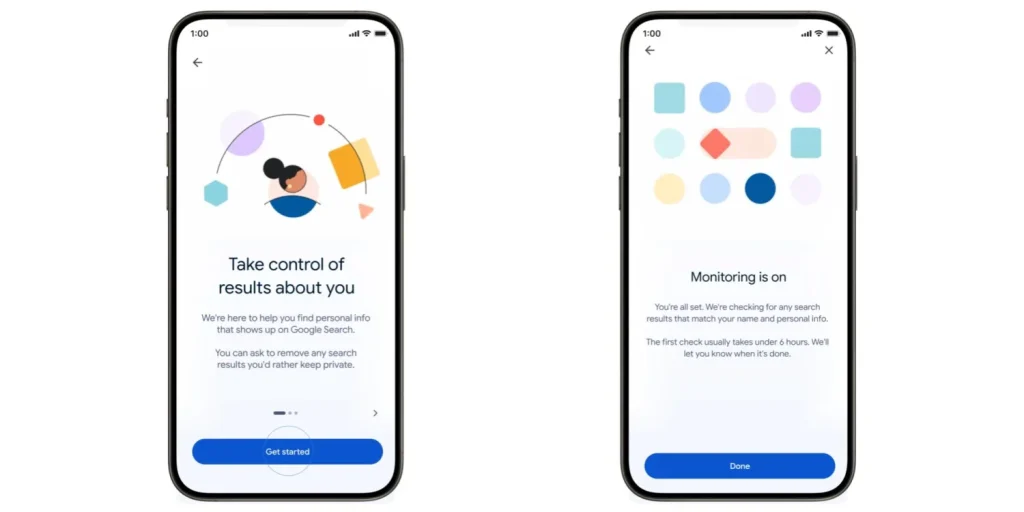
- Be careful what you ask for: Google’s “Results about you” hub is where you can find all of your removal requests in one place. You will get an email if your status changes.
What Google remove non-consensual images tool can and cannot do
To have realistic expectations, it’s important to know how the Google remove non-consensual images tool works.
The most important thing to remember is that this tool only takes content out of Google’s index, not the whole internet. You should also get in touch with the website host to have it removed for good.
Step-by-Step guide to using the Tool
Follow these steps if you need to use this tool:
- Locate the Image: In Google Search or Google Images, find the explicit image you want to report.
- Initiate Removal: Click the three dots (
⋮) on the image result and select “Remove result.” - Select the Reason: Choose the option that states “It shows a sexual image of me.”
- Specify Image Type: Indicate whether the image is a real photograph or an AI-generated deepfake.
- Submit and Opt-In: Complete the submission. You will be shown support resources and given the option to opt into filtering for similar results.
- Monitor in the Hub: Track the progress of your request by visiting the ” Results about you” hub in your Google account.
Where to find additional help and support
If you are being abused through pictures, know that there are other places you can go for help:
- Legal Rights: In the United States, you may have the right to bring a federal civil lawsuit against someone who shared intimate images without your consent.
- Expert Organizations: The Cyber Civil Rights Initiative (CCRI) operates an Image Abuse Helpline and provides a Safety Center with guidance on documenting abuse and seeking removal.
- Reporting to Authorities: You can report the non-consensual distribution of intimate images to the Federal Trade Commission (FTC) at ReportFraud.ftc.gov.
FAQ
Q: How do you get rid of pictures in Google Search that you didn’t want?
If you want to say that an image is sexual without permission, click on the three dots next to it in the search results and then click “Remove result.” Then follow the instructions.
Q: Does the Google tool for removing non-consensual images remove the picture from the site?
No. The Google tool that takes down pictures that weren’t taken with permission only removes the link to the picture from Google Search results. The picture might still be on the site where it came from. To get rid of it for good, you need to get in touch with the website owner directly.
Q: How many times have you asked Google to remove something?
Yes. The “Results about you” hub informs you whether Google is processing, approving, or rejecting all your requests.
Q: What types of pictures can you take off?
If you didn’t want your name or picture to be linked to pornographic content, you can ask for the removal of real nude or sexually explicit images, AI-generated deepfakes, and cases where your name or picture is wrongly linked to pornographic content.
Conclusion: The Google remove non-consensual images tool that lets people delete pictures they don’t want is a big step toward giving people back control over their digital privacy and stopping the damage that image-based abuse is still doing.