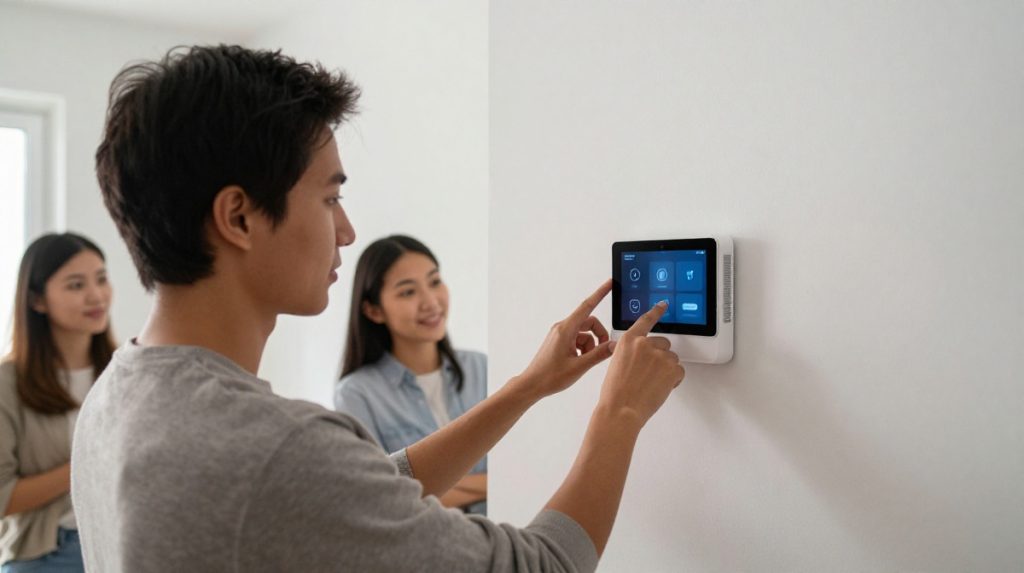

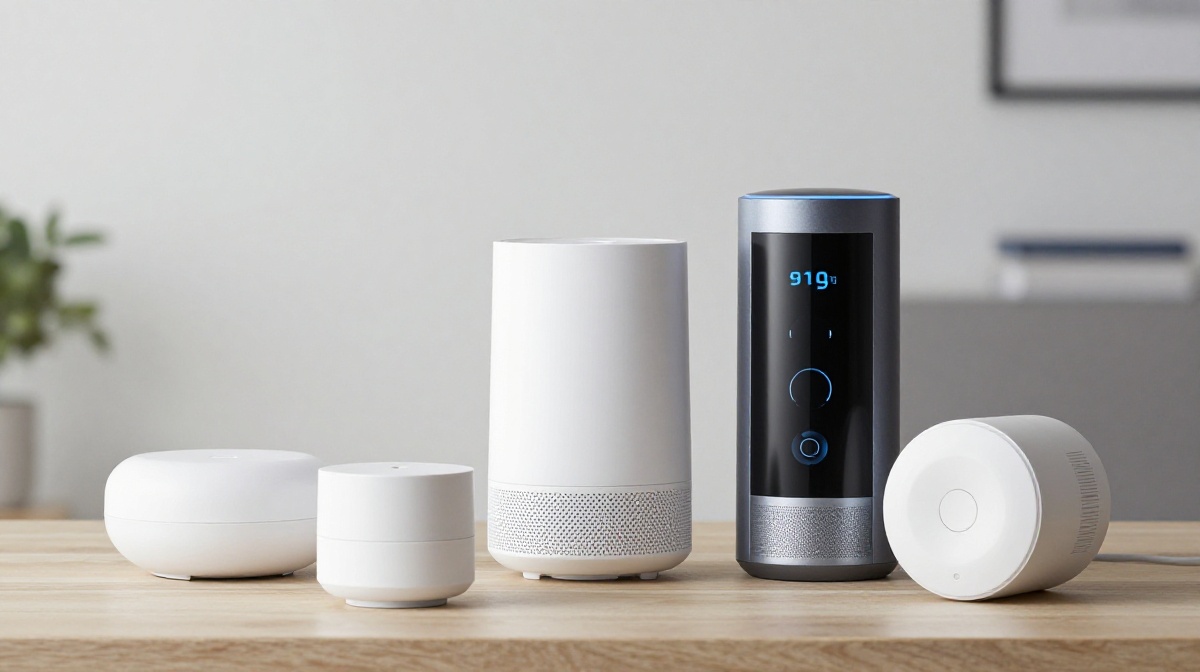
You can set up a fully functional smart home gadgets without paying ongoing subscription fees by choosing devices that use local storage, such as microSD cards or NVRs, and support open protocols like Matter or Thread. When you pick local-first hardware, your security and automation features stay under your control instead of being tied to a subscription.
What happened / What is it?
The smart home gadgets industry has spent the last few years conditioning users to accept “subscription fatigue.” Features that used to be standard—like person detection, high-resolution recording, or automation triggers—are increasingly hidden behind monthly paywalls.
In 2026, things are shifting in the other direction. Homeowners who know their tech are now asking for “local-first” hardware. These devices handle data on your home network or store footage on a physical card rather than sending it to a cloud server. When you skip the cloud, you get faster performance, better privacy, and most importantly, no ongoing bills.
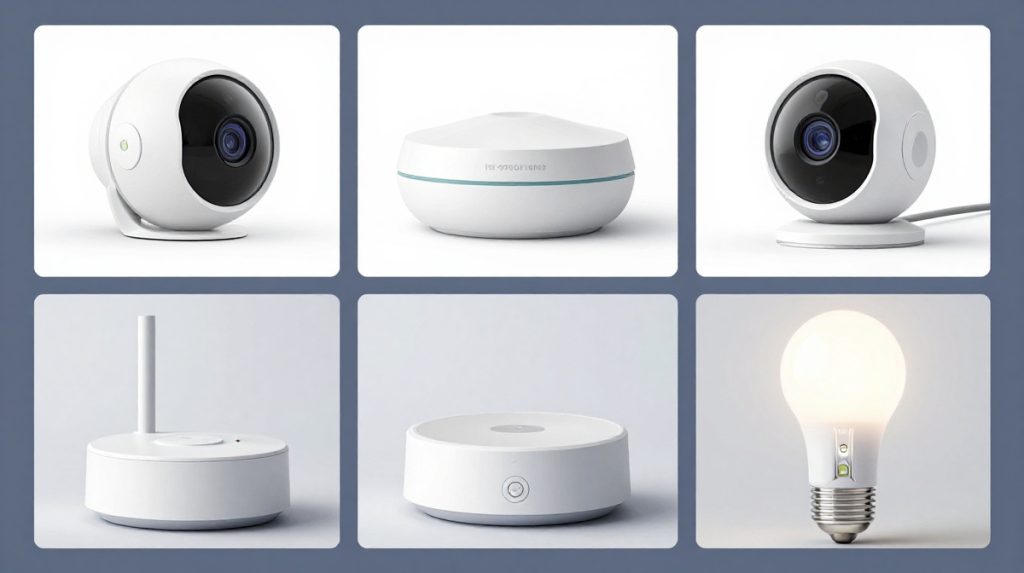
Key specs & features of smart home gadgets for subscription-free setups
The secret to avoiding fees is moving away from proprietary “Cloud-Gateway” systems. Below is a breakdown of what to look for when building a debt-free smart home gadgets.
| Category | Recommended Technology | Primary Benefit |
| Security Cameras | microSD / ONVIF / RTSP | Free storage; no cloud hosting fees. |
| Smart Bulbs | Wi-Fi Direct / Matter | No hub needed; no “smart gateway” fee. |
| Automation | Matter / Thread | Direct device-to-device communication. |
Essential Hardware Criteria:
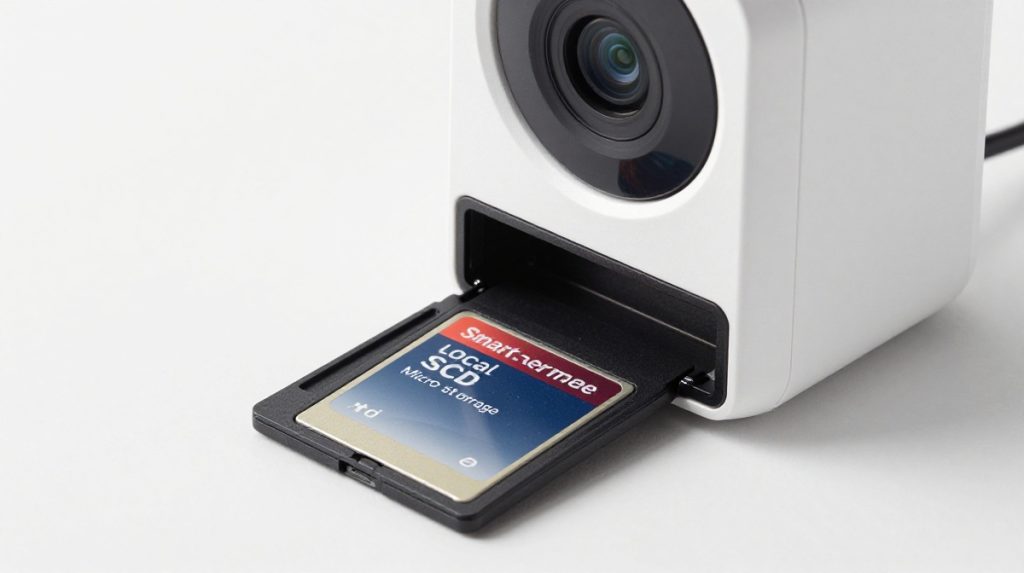
- Local Storage Support: Always verify the device supports a physical SD card slot or integration with an NVR (Network Video Recorder). [USA PRICE: Expect $80–$180 for high-quality local cameras]
- Hub-Free Capability: Many modern smart bulbs now connect directly to your router via Wi-Fi or Bluetooth, eliminating the need for an expensive proprietary bridge.
- Matter Interoperability: Look for the Matter logo. Matter-certified devices let you mix and match brands without the “walled garden” apps that often require premium subscriptions.
Why does this matter for global users?
For our readers worldwide, the standard subscription model is often broken. Between high currency conversion fees and the inconsistency of local internet infrastructure, cloud-dependent devices are a liability.
- Offline Functionality: Local-first devices keep working even when your ISP goes down.
- Power Stability: In regions prone to load shedding, cloud devices often take minutes to “re-handshake” with servers after power returns. Local-control systems are up and running as soon as your router hits.
- Customer Support: If a cloud service is discontinued, your device becomes e-waste. Local-control hardware remains functional indefinitely.
Tips: How to automate without Alexa or Google?
You don’t need a corporate cloud to create smart home gadgets. If you want full control, you need a local automation engine.
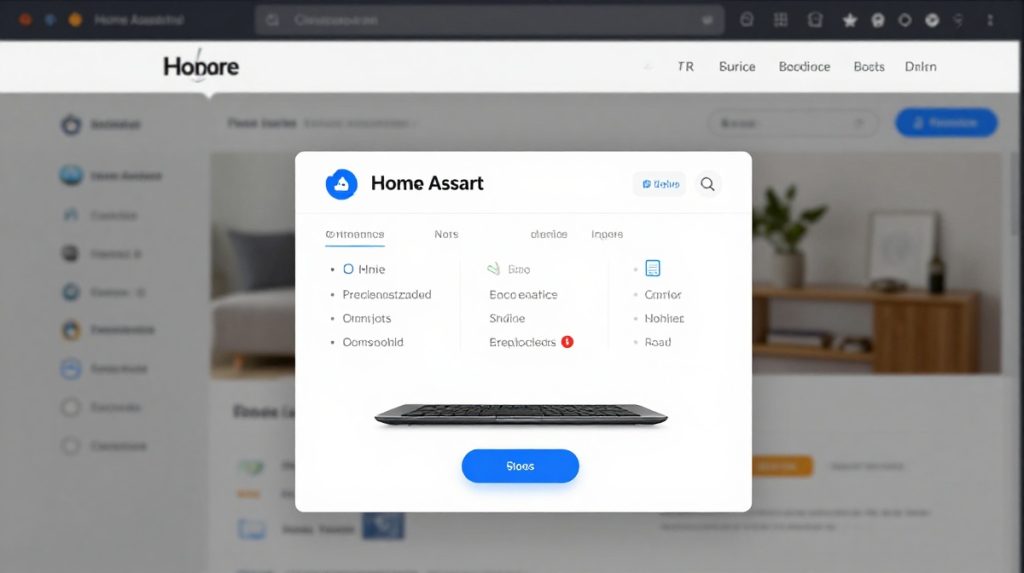
- Deploy Home Assistant: This is the “gold standard” for power users. Home Assistant runs locally on a small PC, a Raspberry Pi, or even an old laptop. It acts as the brain of your home, communicating with devices on your LAN rather than through the internet.
- Use ONVIF-Compliant Cameras: When buying cameras, search for “ONVIF” or “RTSP” in the specs. These are open protocols that let you view your camera feeds in any app you choose, rather than being forced into a branded subscription app.
- Network Segmentation: Use a “Guest” or “IoT” VLAN on your router. This keeps your smart home devices isolated from your private computers, which is a best practice for privacy.
Should you buy?
- Buy if you value privacy and want to stop paying monthly “rent” for your own devices.
- Wait if you aren’t comfortable with basic network settings (like assigning a static IP to a device).
- Avoid any device that says “Premium Features” or “Cloud Storage” as a core requirement for basic functionality like push notifications.
FAQ
Q: Is it possible to have a smart home without a Wi-Fi hub?
Yes, it is possible. Many newer devices use Wi-Fi Direct or Bluetooth, so they connect straight to your wireless router. Check the packaging for labels such as “Hub-free” or “Standalone.”
Q: How do I set up smart home automation’s without Alexa or Google?
You can use a local automation platform like Home Assistant or openHAB. These platforms run entirely on your own hardware inside your home. They don’t require an internet connection to trigger your lights, locks, or sensors.
Q: Do I lose features if I don’t pay the subscription?
With local-first hardware, you lose nothing. Features such as AI motion detection and event logs are handled by the processor in the camera itself. You only lose features when you buy cloud-dependent hardware designed to force a monthly payment.