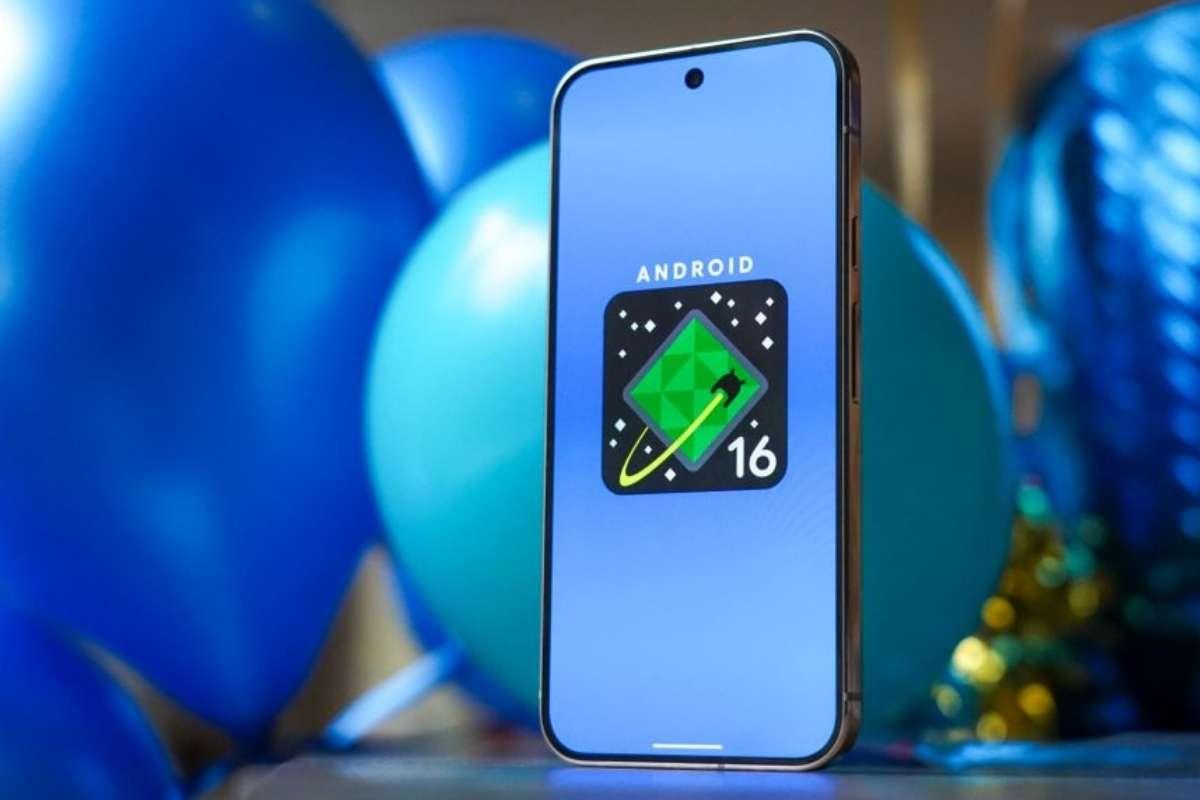
Android 16 has officially arrived, and it’s not just another incremental update—it’s a sweeping transformation that redefines what users and developers can expect from the world’s most popular mobile OS. Whether you’re a power user, a casual scroller, or a developer, Android 16 introduces wide-ranging features and changes that promise to make your device smarter, more secure, and more adaptable than ever before. But what truly sets Android 16 apart isn’t just the sheer volume of new features—it’s the thoughtful way these updates address real-world needs, from accessibility and security to productivity and personalization.
How does Android 16 compare to previous versions?
Let’s start with a quick comparison to highlight Android 16’s leap over its predecessors:
| Feature Area | Android 15 | Android 16 |
|---|---|---|
| Notification Management | Optional grouping, basic | Forced grouping, Live Updates |
| Security | Standard protections | System-level Advanced Protection |
| App Adaptability | Limited, opt-in | Mandatory, adaptive by default |
| Accessibility | Incremental improvements | Major focus, orientation support |
| Personalization | Limited | AI-powered, deeper customization |
| Desktop Mode | Absent/experimental | Official rollout (coming soon) |

Android 16’s changes aren’t just evolutionary—they’re revolutionary, especially in the way the system now enforces best practices that were previously left to developer discretion.
Key features and changes in Android 16
Smarter, Cleaner Notifications: One of the most noticeable changes is how Android 16 tackles notification overload. Previously, developers could choose whether to group notifications in their apps, often resulting in a cluttered notification shade. With Android 16, notification grouping is now enforced at the OS level. All notifications from the same app are automatically bundled, making it far easier to manage alerts and reducing visual clutter.
Additionally, the new Live Updates feature ensures that ongoing activities—think deliveries, ride-sharing, or sports scores—are prominently displayed on your lock screen and status bar, similar to iOS’s Live Activities. This means you’re always in the know, without digging through a sea of notifications.
Advanced Protection: Security for Everyone. Security is a headline feature in Android 16, with the introduction of Advanced Protection. Previously reserved for high-risk users, this system-level defense is now accessible to anyone seeking extra peace of mind. With a few taps, users can activate enterprise-grade protections that lock down critical security features, prevent unauthorized changes, and enable tamper-proof intrusion logging.
What stands out is how seamlessly Advanced Protection integrates into daily use. I enabled it on my Pixel, and while I noticed extra security prompts, the experience remained smooth and unobtrusive—a testament to Google’s focus on balancing safety and usability.
Adaptive Apps: Accessibility and Flexibility Android 16 mandates that all apps must now adapt to varying screen sizes and orientations. This is a huge win for accessibility, especially for users with motor impairments or those who prefer landscape mode for ergonomic reasons.
As someone who often docks my phone for work, the improved adaptability means fewer frustrating app crashes and a more consistent experience across devices—be they foldables, tablets, or desktop monitors. This change also aligns with Web Content Accessibility Guidelines (WCAG), making Android’s ecosystem more inclusive and future-proof.

Personalization and AI-Powered Features: Google is doubling down on personalization. Android 16 introduces new AI-powered tools, such as smarter photo editing in Google Photos and custom group chat icons in Google Messages. The redesigned image editor, for example, offers one-tap AI suggestions and a “Reimagine” tool that lets you describe edits in natural language—perfect for those who want pro-level results without the learning curve.
Enhanced Media and Camera Capabilities: For creators and photographers, Android 16 introduces HDR screenshots, ultra HDR image enhancements, and new camera APIs for hybrid auto-exposure and precise color adjustments. Media playback also gets a boost with motion photo capture and improved codec support, ensuring your memories look and sound their best.
What makes Android 16 truly exciting isn’t just the features themselves but the philosophy behind them:
- User-Centric Design: Forced notification grouping and adaptive apps show Google’s commitment to practical improvements that benefit everyone, not just tech enthusiasts.
- Security Without Sacrifice: Advanced Protection is a rare example of robust security that doesn’t get in your way.
- Accessibility as a Priority: By mandating adaptive apps, Android 16 ensures no one is left behind, regardless of how they use their device.
Having used the beta for several weeks, I’ve found the changes not only noticeable but genuinely helpful. My notification shade is cleaner, my device feels more secure, and my workflow is smoother—especially when switching between phone and tablet.
In conclusion, Android 16 isn’t just a software update—it’s a statement about where mobile technology is headed. By focusing on adaptability, security, and user experience, Google is setting a new standard for what a mobile OS can and should be.