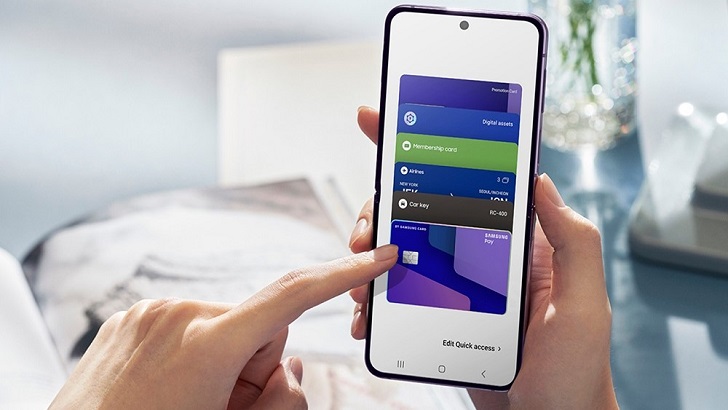
Samsung Wallet has officially expanded beyond just storing payments and car keys to include your house keys as well. This new “Digital Home Key” feature turns compatible Galaxy smartphones into secure access cards for smart locks. It uses the industry-standard Aliro protocol to make sure everything works smoothly.
Samsung Wallet adopts Aliro for smarter home access
Samsung’s latest update transforms your phone into a sophisticated key ring. The tech giant has introduced the “Digital Home Key,” a feature in Samsung Wallet that lets users unlock compatible smart doors with a simple tap or approach. According to Samsung’s official announcement, this functionality is built on the Aliro standard, a new communication protocol developed by the Connectivity Standards Alliance (CSA).
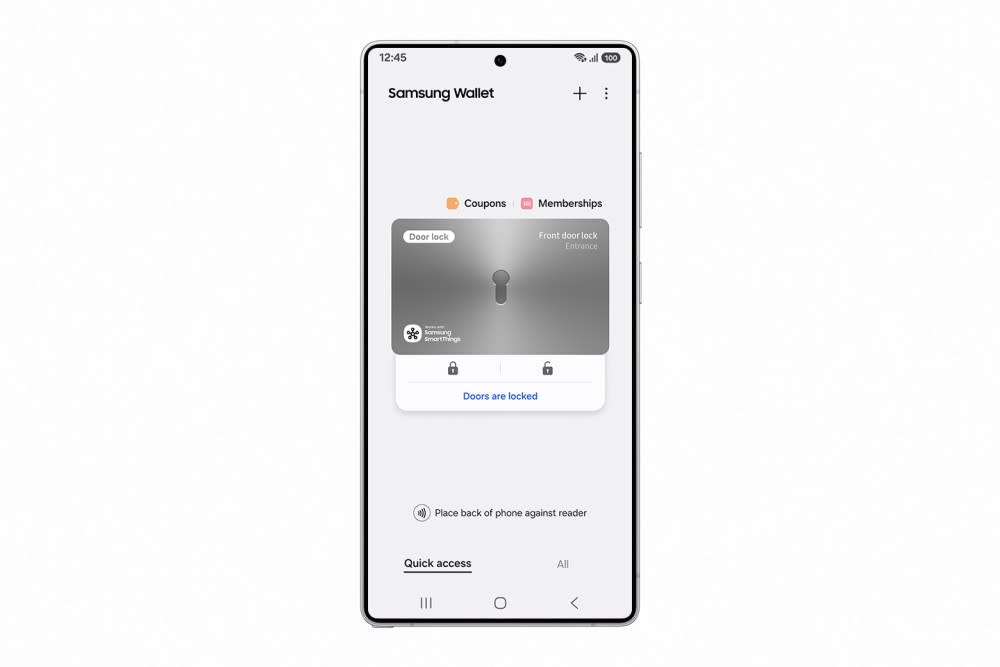
The Aliro standard revolutionizes the smart home industry. Samsung ensures its digital keys work reliably across different devices and brands by making Samsung Wallet compatible with this “industry-standardized communication protocol.” This takes the ecosystem away from proprietary apps and into a single experience where your Galaxy phone can talk to your front door. In a statement, Woncheol Chai, EVP and Head of the Digital Wallet Team at Samsung Electronics, stressed how important this integration is:
“Through close collaboration with our partners and in alignment with the Aliro standard, Digital Home Key brings the same level of security and ease Samsung Galaxy users expect from Samsung Wallet to their homes.”
Locks that work with each other and business-level security
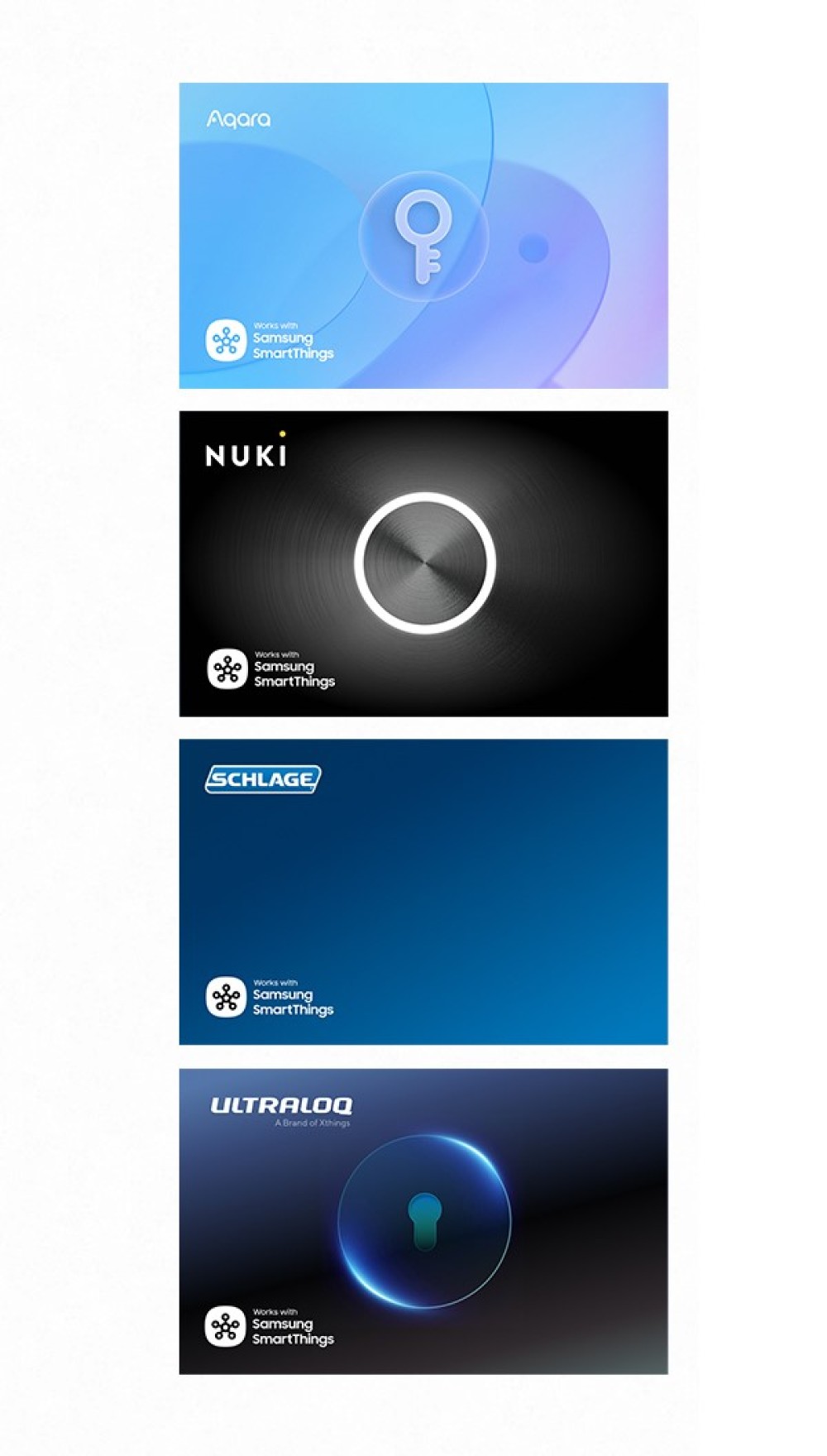
The Samsung Wallet Digital Home Key needs hardware support to work, and Samsung has lined up big partners for the launch. The feature will work with smart locks from well-known brands like Nuki, Schlage, Aqara, and Xthings. This wide range of compatibility means that people won’t have to stick with one hardware maker to enjoy the ease of keyless entry.
Security remains a top priority for Samsung Wallet. Samsung Knox, the company’s defense-grade security platform, safeguards the digital keys. Furthermore, the system is designed to meet EAL6+ security certification standards. This ensures that your digital house key is encrypted and stored in an isolated environment, making it incredibly difficult for hackers to duplicate or steal.
Key benefits of the Samsung Wallet Digital Home Key:
- Hands-Free Access: Future updates will add support for Ultra-Wideband (UWB), letting the door unlock on its own as you get closer without having to take your phone out.
Remote Management: If you lose your phone, you can instantly disable the key remotely via Samsung Find.
- Biometric Protection: You need a PIN or a fingerprint to access the key, so only you can use it.
- Cross-Brand Compatibility: The open Aliro standard enables it to work with locks from many brands.
Worldwide rollout and future availability
Samsung is rolling out this feature in stages. Starting this month (March 2026), the Samsung Wallet Digital Home Key will be available in some areas. The first version will only have NFC-based “tap to unlock” features, but UWB hands-free support is expected to be available for compatible devices in April 2026.
The list of devices that work with Samsung Wallet will keep growing as smart lock makers update their firmware to work with Aliro. This update makes the app a full-fledged digital lifestyle tool, replacing the physical wallet and keychain for millions of Galaxy users.
Q: What kinds of smart locks can I use with Samsung Wallet?
Samsung Wallet will only work with smart locks from partners like Nuki, Schlage, Aqara, and Xthings that follow the Aliro standard at first.
Q: Can I use the Digital Home Key?
Yes, Samsung Wallet protects the keys with EAL6+ certified security, and Samsung Knox does too. They also need a PIN, a face scan, or a fingerprint to work.
Q: What do I do if I can’t find my phone?
You can use the Samsung Find service to turn off or delete your Digital Home Key even if you’re not there. Even if you lose your device, this procedure will keep your home safe.
Q: Do I need a specific model of Samsung phone to use this?
You need a Galaxy phone that can use Samsung Wallet. Your phone needs Ultra-Wideband (UWB) hardware to use the hands-free unlocking feature that will be available soon.
Conclusion: Samsung Wallet’s Digital Home Keys finally let you pay for things with your phone while keeping your home safe. People who own Galaxies can look forward to a time when they won’t need keys anymore.