
The YouTube Gemini Ask button is an AI tool that lets people interact with videos right from their TV screens. This feature lets users ask specific questions without leaving the app by using the Gemini chatbot to figure out what’s going on in a video.
The YouTube Gemini Ask button was first available on mobile and desktop, but it is now also available on smart TVs, streaming devices, and gaming consoles.
How does the YouTube Gemini Ask button work on your TV?
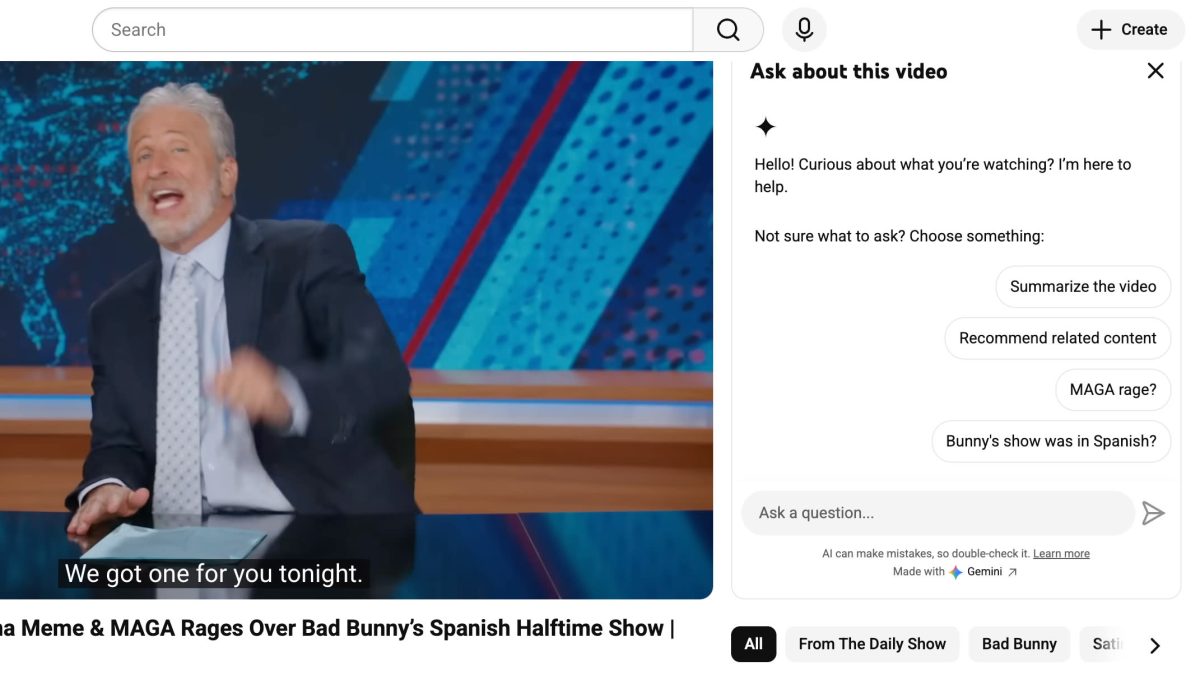
The YouTube Gemini Ask button functions as a conversational assistant trained on the details of the video you are watching. According to 9to5Google, the feature appears as an option on the video interface of smart TVs and streaming hardware.
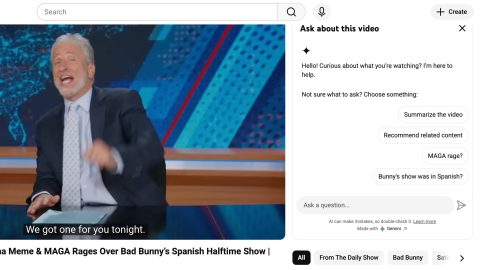
Users receive suggested questions, or “canned prompts,” related to the video’s subject matter when they select the YouTube Gemini Ask button. For those with a voice-enabled remote, the YouTube Gemini Ask button can also be activated by pressing the microphone button, allowing for natural language queries.
Key benefits of the YouTube Ask button
Using the YouTube Ask button provides a more interactive and informative viewing experience. Instead of searching the internet on a separate device, viewers can get immediate answers through the Gemini ask button directly on the big screen.
According to a Google support page, this tool is particularly useful for extracting specific data points from educational or instructional videos.
- Get instant recipes or ingredient lists from cooking tutorials.
- Understand complex storylines or song lyrics through the YouTube Ask button.
- Access summaries of long videos to find key information quickly.
- Interact hands-free using the remote’s microphone with the Gemini Ask button.
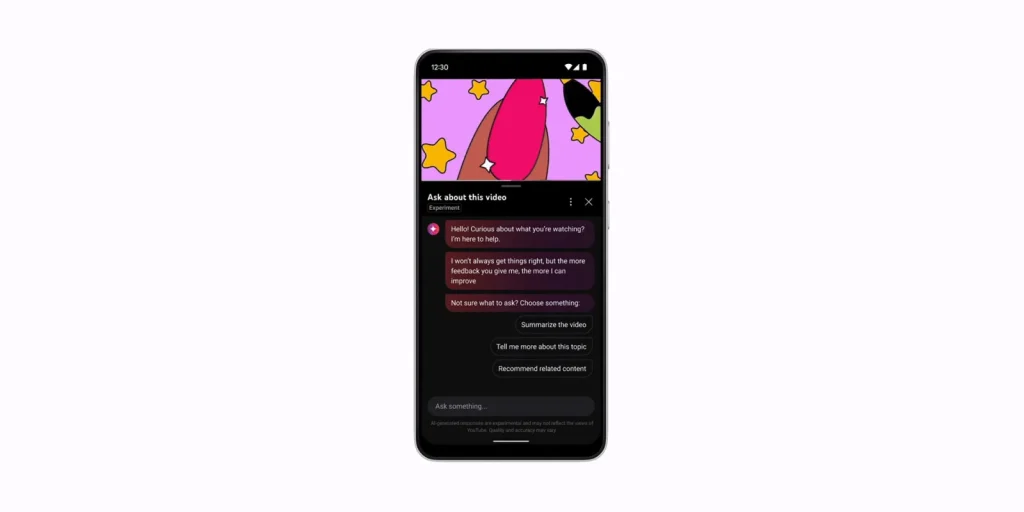
A small group of users is currently testing the Gemini Ask button. Google uses this step-by-step method to refine the tool based on user feedback before expanding its availability.
The YouTube Ask button isn’t available to everyone yet, but its arrival on gaming consoles and streaming devices shows that entertainment is moving toward AI integration. As technology gets better, the YouTube Ask button will likely become a normal part of the living room experience.
FAQs
Q: What does the YouTube Ask button do?
The Gemini Ask button is an AI-powered tool that lets people who are watching a video on their smart TV or gaming console ask questions about it.
Q: What do I do with the Gemini Ask button on my TV?
To ask a question about the video content in your own words, either click the button on the screen or press the microphone button on your remote.
Q: What devices can use the Gemini Ask button?
The YouTube Gemini ask button is now available on smart TVs, streaming devices like Chromecast, and several gaming consoles.
Conclusion: For the first time ever, the YouTube Gemini ask button makes the entertainment available in the living room more interactive than it has ever been.