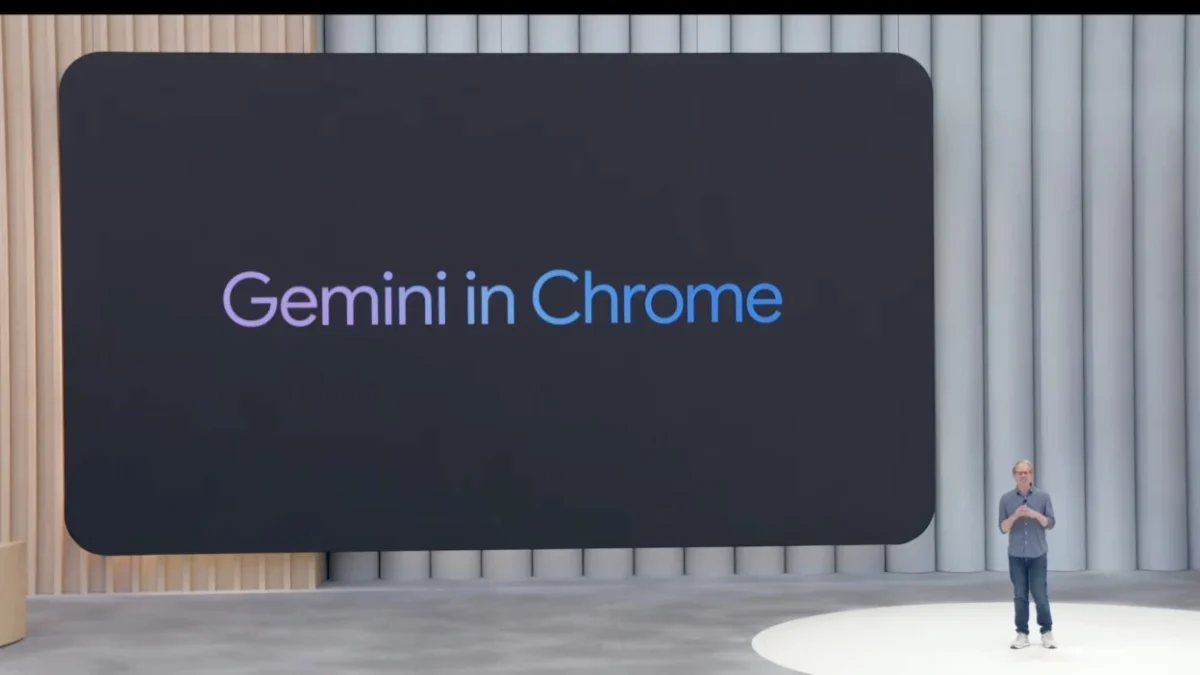

Gemini in Chrome has officially begun its international journey, expanding beyond its initial US-only release to reach users in Canada, India, and New Zealand. This move signals a major shift in how the world’s most popular browser handles information, moving from a simple gateway to the web to an active personal assistant.
Gemini in Chrome is now integrating more deeply into the desktop experience for Mac, Windows, and Chromebook Plus users. According to reports from TechCrunch and Google’s official announcements, this update also brings support for more than 50 additional languages, making the tool significantly more useful for a global and multilingual audience.
Accessing Gemini in Chrome in new regions
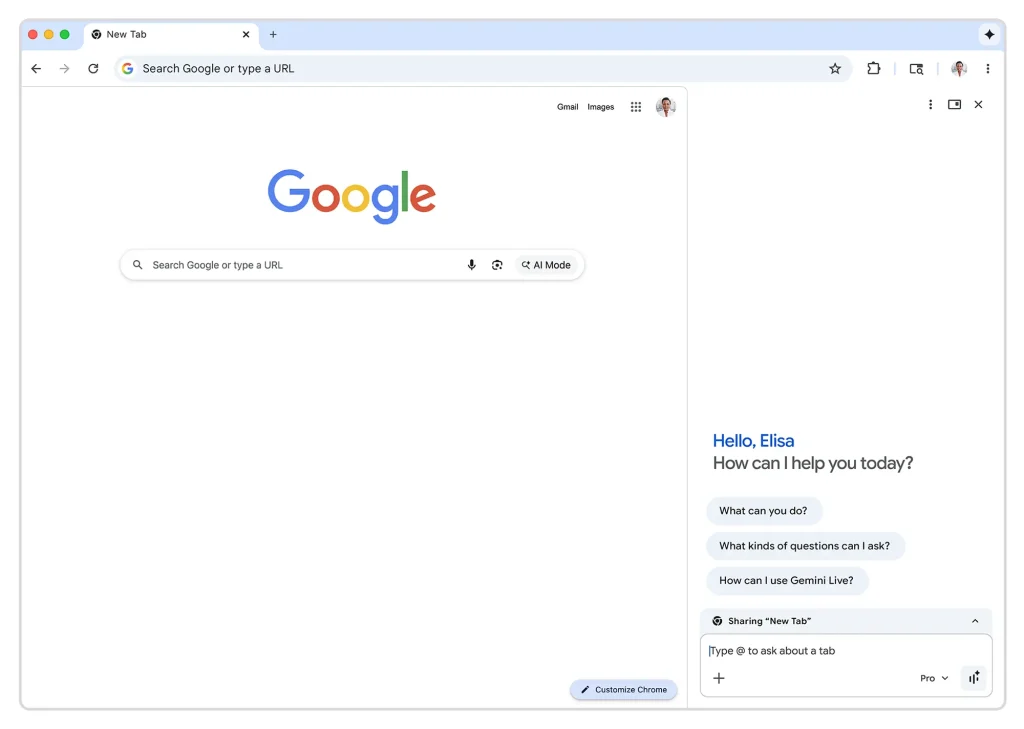
Gemini’s release in Chrome gives users a number of ways to interact with AI without having to leave their current tab. The side panel that can be opened by clicking the “sparkle” icon next to the address bar is the most important new feature.
You can talk to the AI while still looking at your webpage with this panel. It’s like having a research partner who can “read” along with you. Users can also start Gemini in Chrome from the address bar, which is also called the Omnibox, in addition to the side panel.
You can start a session right away by typing “@gemini” and then a question or command. This makes it much easier to get answers or make summaries than going to a different website.
According to the Hindustan Times, this second wave of availability is particularly focused on markets like India, where localized language support for Hindi, Bengali, and others will improve accessibility for millions.
Using Gemini in Chrome to boost productivity
Gemini’s real strength in Chrome is that it can understand how different parts of your workflow fit together. It’s not just a chatbot; it’s a tool that can connect your browser to other Google services like Gmail, Maps, and YouTube.
You could, for instance, ask the AI to write a reply to an email you are currently reading or get location information from a page and add it to your calendar.
Whether you are a student, a professional, or a casual shopper, Gemini in Chrome is designed to cut down on “tab-hopping.” Instead of jumping back and forth between sites to compare information, the AI can look at up to 10 open tabs at once to help you make decisions.
User Benefits of Gemini in Chrome:
- Summarize Content: Change long articles or dense research papers into short, easy-to-read bullet points right away.
- Cross-Tab Comparison: To find the best deal, look at prices, specs, or reviews in more than one open tab.
- Smart Gmail Integration: You can write and send emails right from the side panel without having to switch windows.
- Creative Editing: Use the built-in “Nano Banana” tool to change or edit pictures you find online by giving them text prompts.
- Multilingual Support: You can use all of these features in more than 50 languages, such as Spanish, French, and a few Indian regional languages.
FAQs
Q: How can I make Gemini function in Chrome?
To use this feature, you must have the most recent version of your browser and be logged into your Google account. To access the AI settings, open the Chrome settings menu and search for the “AI Innovations” section. A tiny blue icon will appear in your toolbar when you activate it.
Q: Which nations are currently able to use Gemini with Chrome?
At first, Gemini in Chrome was limited to the United States. It is now available to people in Canada, India, and New Zealand. In the coming months, Google hopes to make this accessible in more locations.
Q: Can I use Gemini with Chrome for free?
Basic features like the address bar shortcut and page summaries are accessible to the majority of users. Certain advanced models and higher-performance features may only be available with a Google One AI Premium subscription if you live in a specific area and have specific needs.
In conclusion, compared to other browsers, Chrome’s Gemini is far superior. It transforms an ordinary tool into a practical one that speeds up your work. By making AI easy to use and effective, Google is making it useful where you need it most.