


The most recent Steam beta update makes a big change to one of the platform’s most important features: user reviews. Valve is testing a new feature that lets players include their hardware specs directly in their game reviews. Valve released the feature as part of an update for clients in February. This change aims to enhance the usefulness of reviews by prioritizing performance feedback.
Why is it important to know the hardware specs for the Steam Beta?
If you’ve ever looked at game reviews on Steam, you’ve probably seen negative posts that complain about low frame rates, stuttering, or crashes. This feedback is valid, but in the past, it has been hard to act on because the reader doesn’t know what kind of computer the reviewer is using. A complaint about a game not working well could come from someone with high-end hardware (indicating optimization problems) or from someone trying to play a new game on an old system.

With the new Steam beta feature, you don’t have to guess anymore. Valve says users can now choose to include information about their PC parts when writing a new review or updating an old one. This openness helps people who are considering buying something figure out whether their setups will work the same way.
This update adds nuance to the ecosystem, as a game’s visibility on the Steam store heavily depends on its review score. It helps separate subjective opinions about game design from objective technical feedback tied to specific hardware configurations.
How does the optional hardware feature work?
Valve has designed this update with user privacy and choice in mind. Attaching hardware specs to a review is entirely optional. For those who opt in during the Steam beta, the feature automatically pulls data from their system, including CPU, GPU, RAM, and operating system. This enables the community to quickly understand a game’s testing conditions.
Here are the key user benefits of this Steam beta update:
- Informed Decisions: Buyers can filter feedback by users with hardware similar to their own.
- Contextual Complaints: A negative review about performance carries more weight when the reader can see the reviewer is running a high-end graphics card.
- Troubleshooting Help: Users experiencing issues can easily find reviews from others with the same setup to see whether the problem is widespread or isolated.
- Developer Insights: Game developers monitoring feedback can get clearer data on which hardware configurations are causing issues, speeding up patch development.
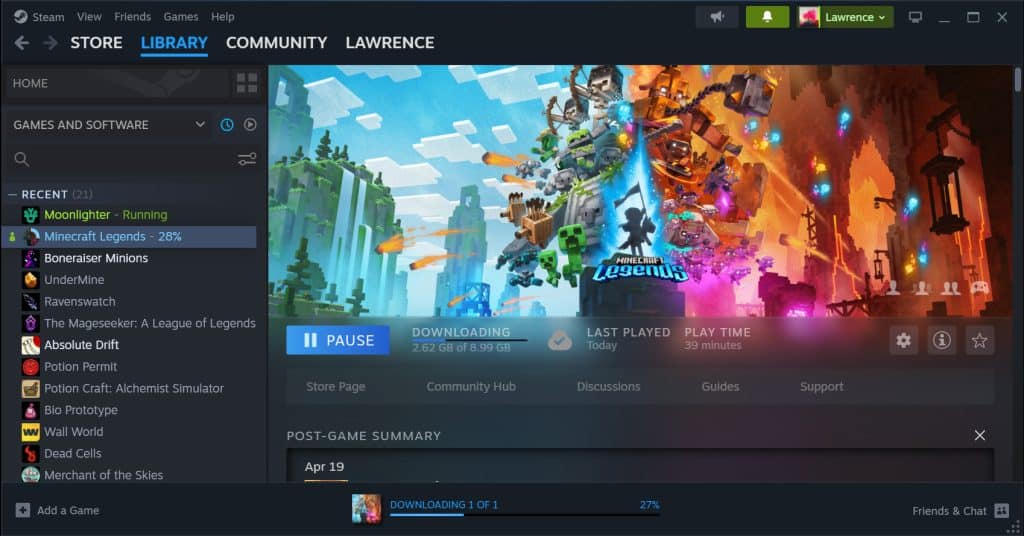
Beyond Reviews: Framerate Data and Deck Verified Feedback
In addition to the changes to user reviews, the Steam beta is also testing methods to gather more technical data directly from users. Valve is experimenting with a system that lets gamers voluntarily share “anonymized framerate data.”
The announcement states that Valve stores this data independently of a user’s Steam account, identifying it through the hardware they use. Right now, only devices that run SteamOS, such as the Steam Deck and other handheld gaming PCs from other companies, can take this test.
Valve wants to make it easier for games to work together. For example, Proton is a compatibility layer that lets Linux systems play Windows games. It does this by gathering information on how well things are going.
Furthermore, the Steam beta includes a tweak to the “Deck Verified” feedback system. When Steam prompts users to confirm whether they agree with a game’s current verification rating, those who disagree can now provide a specific reason. This gives Valve more actionable data to reassess how well a game actually performs on handheld devices.
FAQ
Q: Do I need to include the specs of my PC in a Steam beta review?
No, you don’t have to. When you write a review, you may either omit the facts about your gear or include them to provide context.
Q: What exact details regarding the hardware are shared?
This function typically shows you crucial aspects of your computer, such as the CPU, GPU, RAM, and OS. The details may change.

Q: Is Steam monitoring my computer?
You can choose what you do. The Steam beta notes explain that they are gathering framerate data from SteamOS devices only and that this data is anonymous and optional. This information has nothing to do with your account.
Q: What does such information mean for the Steam Deck?
Valve can learn more about how games function across different kinds of hardware by collecting anonymized framerate data from anyone who chooses to share it. This makes the “Deck Verified” ratings more accurate and the Proton compatibility software better.
Conclusion: It would be helpful for Steam’s community features to let people know what kind of hardware they need to play beta games. Valve is helping gamers make smarter choices about what to buy by offering them clear, optional context for performance feedback. Soon, everyone will be able to use this beta functionality on Steam. Linking technical performance to personal judgment will make the review system easier for everyone to comprehend and use.