The Xcode vibe coding just got a lot better. The latest update to Apple’s integrated development environment (IDE) changes how developers make apps by making it even easier to use powerful AI coding agents.
This change makes Xcode vibe coding less of a helpful tool and more of a partner who works with you to make things. This means that developers can use the tools they already have to turn their ideas into working code faster and more easily.
Xcode vibe coding is a new way of developing software in which programmers use natural language commands to tell AI agents what to do in the Xcode environment. Instead of typing out every line, developers tell the AI what they want to do, like “add a login button with blue gradients,” and the AI makes or changes the code to fit.

This is different from traditional coding, which is done by hand. It’s becoming more popular because it cuts down on boilerplate work, speeds up prototyping, and lets developers spend more time on architecture and solving difficult problems. Vibe coding in Xcode is not meant to replace human skill; it is meant to improve it.
New in Xcode Vibe Coding Version 26.3
According to Engadget, the latest update to Xcode 26.3 makes the built-in AI agents much better at what they do. Before, these tools could only tell you what to change in the code. Agents from companies like OpenAI and Anthropic that are supported can now use the IDE more.
This makes the workflow more “agentic,” which means that the AI can:
- Search through official Apple documentation directly.
- Explore and navigate your project’s file structure.
- Update project settings and configurations.
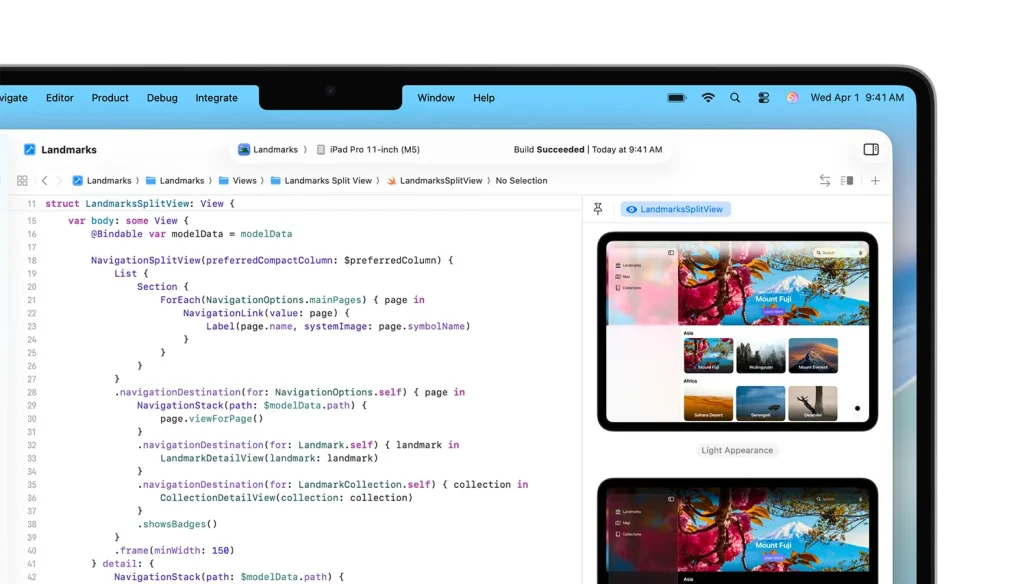
- Iterate on the code using SwiftUI previews for visual verification.
This wider access makes the Xcode vibe coding experience more dynamic and aware of its surroundings than ever before.
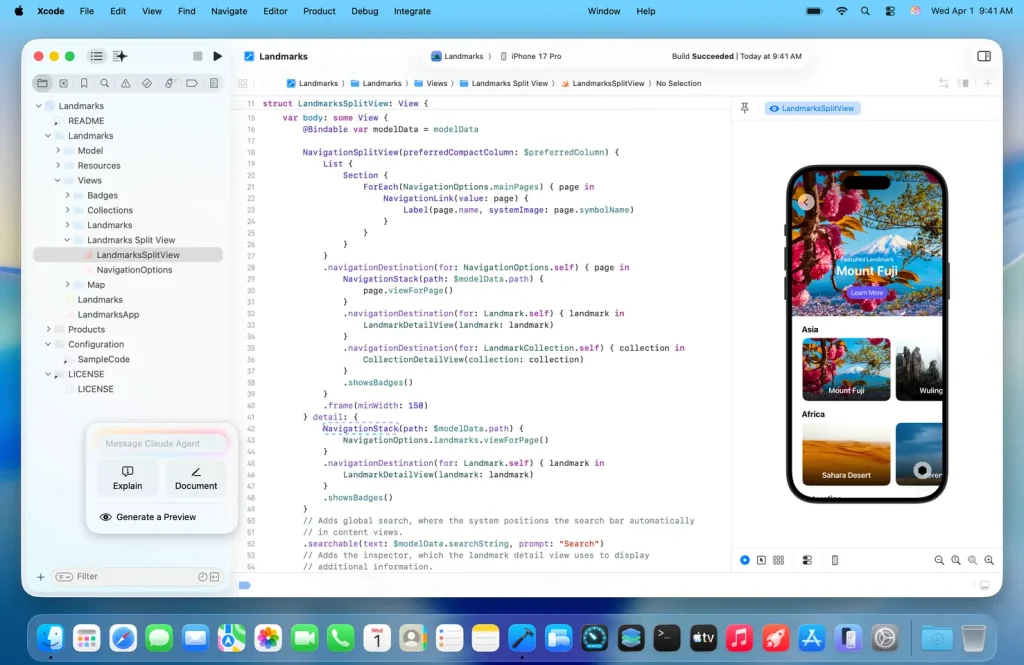
It’s easy to get started with this improved vibe coding workflow. Engadget says that developers can add their favorite AI models to Xcode through the Intelligence settings panel. You can choose from different versions of the model, like OpenAI’s GPT-5.1 or GPT-5.2, or Anthropic’s Claude.
Once set up, you can use these agents to do things like find specific API documentation, write boilerplate code, suggest bug fixes, or add new UI components, all by talking to them.
Why Vibe Coding with AI in Xcode is important
This change is more than just a small update. It changes the way developers work in Apple’s ecosystem in a big way.
- It drastically reduces repetitive work, freeing developers to tackle more creative and complex challenges.
- It offers superior integration, as the AI agents operate with deeper awareness of your project compared to standalone chatbot tools or basic plugins.
- It lowers the initial learning curve for new developers, helping them overcome early hurdles and understand Swift and SwiftUI patterns faster.
How are developers using this? Some practical uses for Xcode vibe coding are:
- Rapid Prototyping: Generating the skeleton of a new feature or screen layout in moments.
- Debugging and Refactoring: Asking the AI to explain an error and suggest specific fixes within your codebase.
- Boilerplate Generation: Creating standard code structures for network calls, data models, or UI elements.
- Learning and Exploration: Quickly testing how different SwiftUI modifiers or APIs behave by having the AI implement examples.
A simple vibe coding prompt could be: “Make a SwiftUI list that gets and shows user data from this sample JSON endpoint and lets users pull to refresh.”
Xcode Vibe Coding FAQ
Q: What does Xcode’s “vibe coding” mean?
It talks about a way of coding where programmers tell AI agents to write, change, or add to code using language that people use every day. This means they don’t have to type as much.
Q: What kinds of AI models can you use with Xcode to make code for Vibe?
With the Xcode 26.3 update, developers can add models like Codex from OpenAI and Claude from Anthropic directly to the IDE’s Intelligence settings.
Q: Do I still need to know how to use Swift or SwiftUI to write good code?
Yes, for sure. Vibe coding doesn’t teach you anything new; it just helps you get better at what you already know. To make the AI do what you want, you need to know how to use Swift and Xcode.
Conclusion: Apple’s most recent changes to Xcode vibe coding are a clear sign that app development will be smarter and more collaborative in the future. Apple is putting powerful AI agents right in the middle of the IDE so that developers can make better software faster.
Xcode vibe coding will probably become a normal part of every developer’s workflow as these tools get better. It uses both human creativity and machine efficiency to create the next generation of apps.