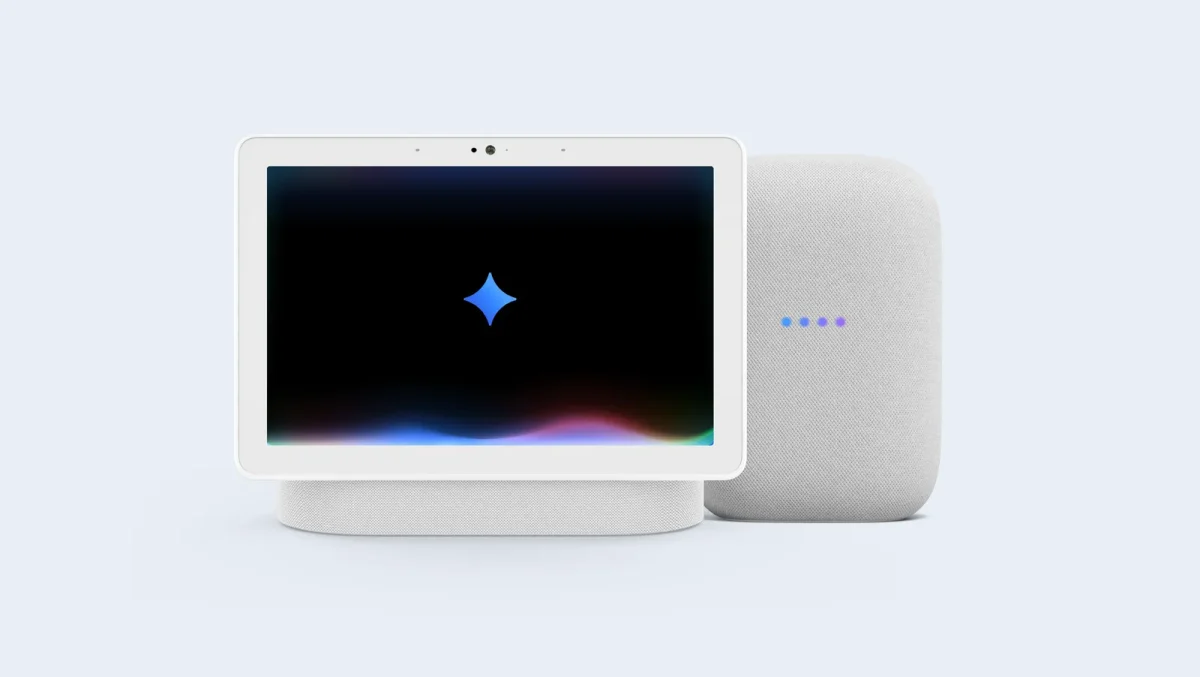

The Google Nest Hub apps that used to let you easily touch things like Calendar, Netflix, and Weather are no longer available on the smart displays. This major change means users won’t be able to use a traditional app-based interface to interact with their devices anymore. Even though it hasn’t been very loud, the range of services that are now available has changed a lot for people who own these popular smart home hubs.
The Google Nest Hub apps’ changing environment
People could tap quick-launch tiles on the home screen of the Google Nest Hub app to open specific features. This system, released a few years ago, allowed people to issue voice commands. The original list included a wide variety of services, but it has since been shortened. Users could quickly access media apps such as Netflix and YouTube Music, utilities like Timer and Weather, and other apps, including Broadcast, Calendar, and Contacts.
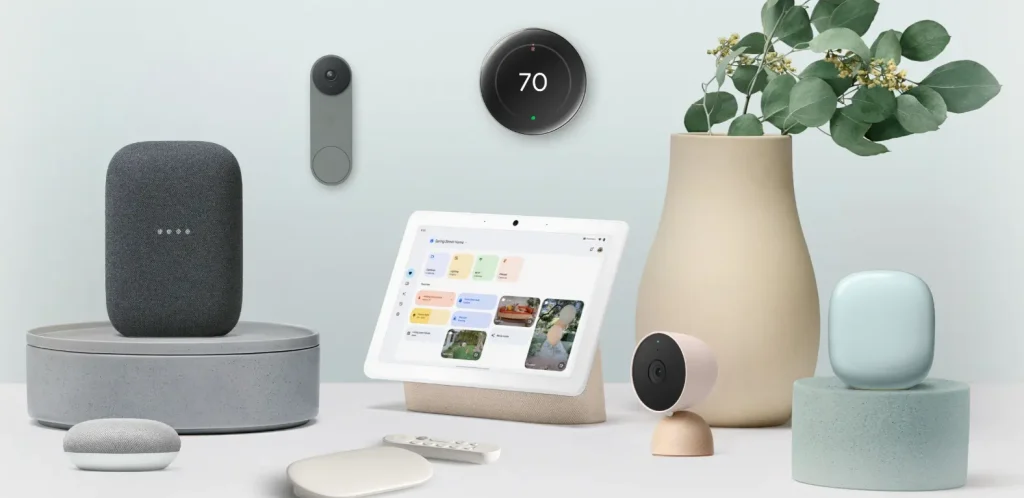
Since then, that choice has gotten a lot smaller. According to 9to5Google and Android Authority, there are only a few main Google Nest Hub apps left, such as Search, YouTube TV, Sling TV, and “Stories.” The change isn’t a quick, one-time fix. Over the past few years, it has been a slow process, with different apps going away at different times. Some removals occurred when Google stopped offering services like Google Podcasts and Duo. On the other hand, the fact that others have left shows that the platform is making broader changes to its strategy.
The loss of these Google Nest Hub apps changes the way most people use the device. The Hub is placing greater emphasis on its core strengths as a smart home controller and voice-first assistant.
- Shift to Voice Commands: You can still access almost all the functions of the missing apps. Instead of tapping a tile, you now use voice commands. Say “Hey Google, what’s on my calendar?” or “Hey Google, play a podcast” to get the same information.
- Simplified Home Screen: The interface is less cluttered, focusing on ambient display features, photo frames, and proactive information from Google Assistant.
- Continued Core Media Support: Major streaming and TV services with dedicated apps remain accessible, ensuring your Hub remains a competent kitchen or bedside media player.
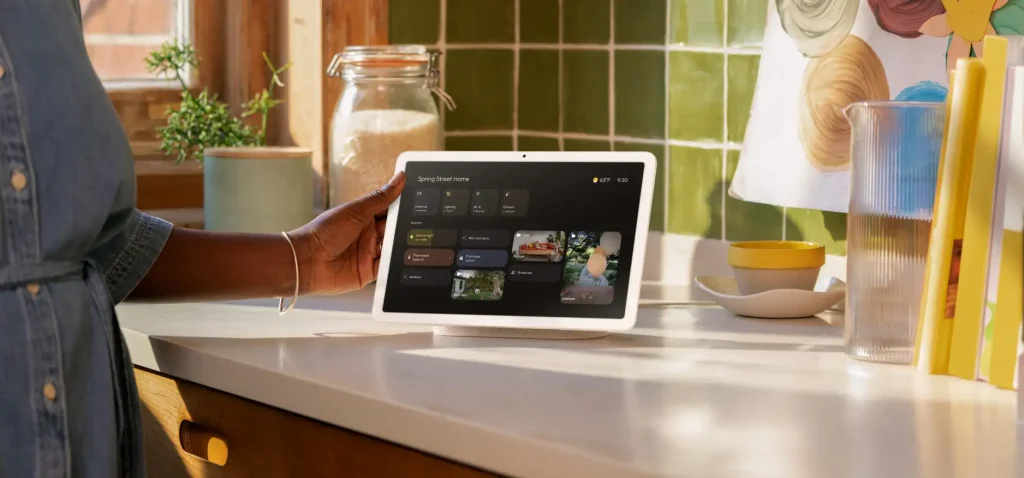
The change shows that Google doesn’t see the Google Nest Hub as a tablet-like device that you can tap and browse. Instead, they see it as a passive, background source of help and information that you mostly talk to. The fact that there are fewer and fewer Google Nest Hub apps is a clear sign of where things are going. Google is making the interface simpler so that voice-driven help and smart home control take precedence over a traditional app ecosystem.
In the future, the Google Nest Hub will likely work better with the smart home and offer more helpful suggestions from the Google Assistant. The device might tell you how long your commute will take, let you control connected lights, or show you how to make a recipe, all without needing a separate “app” tile. Smart displays are evolving to look less like computers and more like ways to talk to your digital life and connected home.
Q. What are Google Nest Hub apps?
Google Nest Hub apps were touch-based tiles on the smart display’s home screen that let you quickly open specific functions like Calendar, Weather, or Netflix without using a voice command.
Q. Can I still use Netflix or YouTube Music on my Nest Hub?
Yes. While the dedicated app tile may be gone, you can still access these services by asking Google Assistant. For example, say, “Hey Google, play Stranger Things on Netflix” or “Hey Google, play music on YouTube Music.”

Q. Why would Google remove these apps?
The removal appears to be part of a strategy to simplify the interface and emphasize the device’s core identity as a voice-first smart home assistant, rather than a touch-screen app device.
Q. Is my Nest Hub now obsolete because apps are gone?
Not at all. Your Nest Hub’s primary functions—voice assistance, smart home control, media playback, and ambient display—all remain fully intact and functional. The way to access some features has changed.
In conclusion, the story of Google Nest Hub apps is about how platforms change over time. Although they continue to function, their absence has given them a new purpose. This case is important because it shows that the Google Nest Hub is not a phone or tablet. It’s not meant for active browsing; it’s meant for quick, conversational interactions. In the future, smart homes will be even more connected, voice-controlled, and helpful in the background. You can unlock everything you need with just one command.