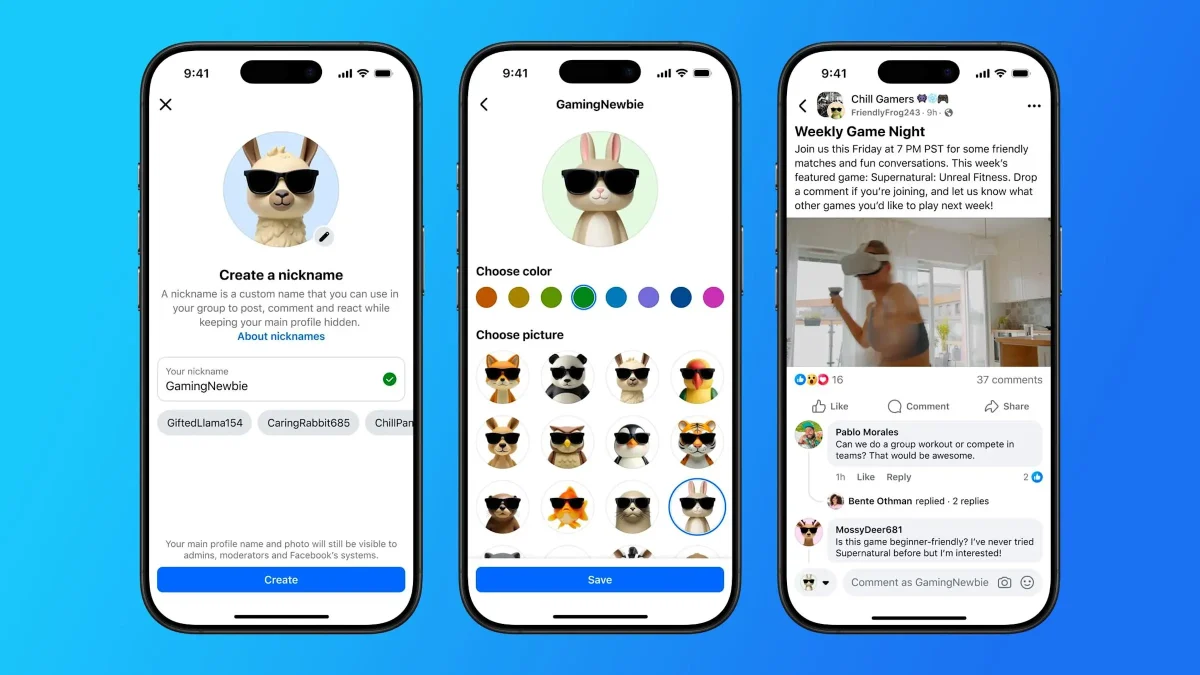

Facebook is releasing a big update that lets admins finally make their private groups public. This new privacy conversion feature for Facebook Groups includes built-in protections to ensure that all private content stays safe, even when the group opens up to more people. A common problem for the admins of many private Facebook groups has always been the tension between growth and privacy. Do you keep your community small and private, or do you let more people join, which could make old conversations public?
How does the new Facebook group’s privacy conversion protect your community?
With this new feature, admins can grow their communities without losing their members’ trust. The main part of this update is a set of strong privacy protections that turn on automatically when a Facebook Group’s privacy setting changes from private to public. Here’s a list of the changes and, just as importantly, what stays the same:
- Your past conversations stay private. All posts, comments, and reactions made when the group was private remain visible only to people who were members before the change. New members of the public group cannot scroll back to view this historical content.
- Member lists are hidden. After the Facebook Groups privacy conversion, the list of members is visible only to admins and moderators. This protects your community members’ identities from public view.
- There are no rash decisions. When an admin switches a group to public, all other admins are notified. The system then enforces a three-day review window. During this time, any admin can cancel the change if the group isn’t ready.
- Everyone is kept in the loop. All group members receive a notification when the Facebook Groups privacy conversion happens. Furthermore, the first time a member posts or comments in the newly public group, they will see a reminder that their activity is now visible to everyone.
After the switch, all new posts and comments will be public, so both admins and members need to be aware of this. TechCrunch says this means anyone on or off Facebook can see them, and that search engines like Google might even index them. Admins can change the group back to private if the new public setting doesn’t work out.
This update gives admins more power over the direction their community is going. Admins can go to the Facebook Help Center for more information on how to convert. You can also find the official announcement on Meta’s website.