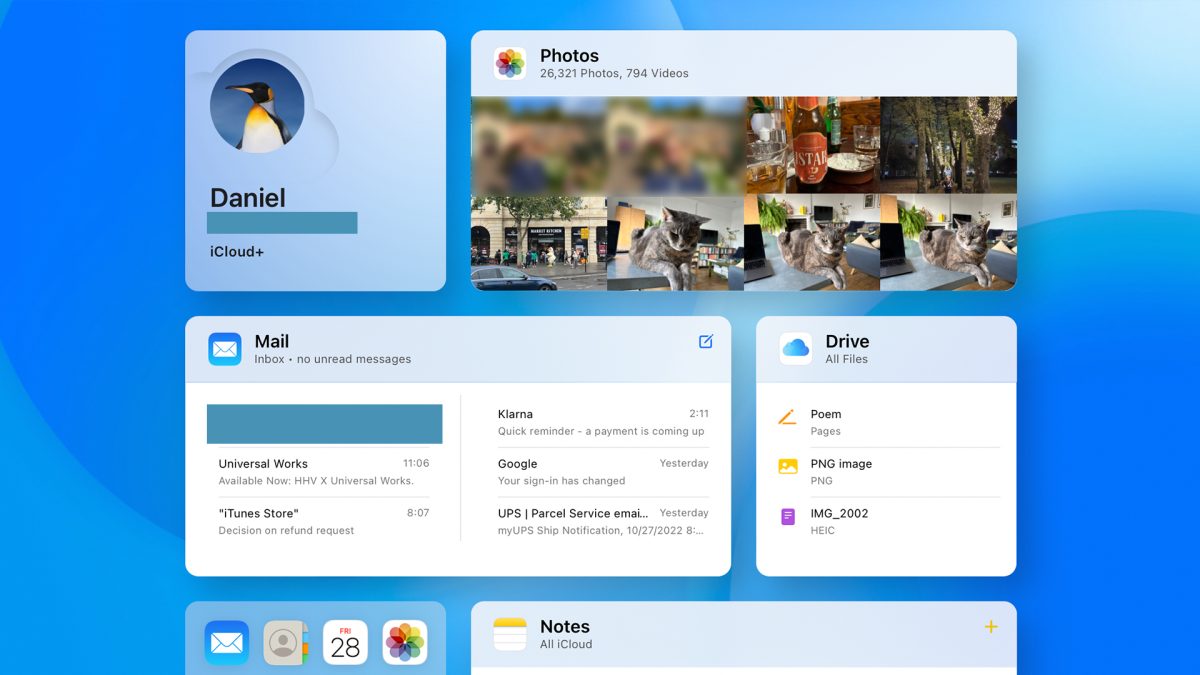

You can now properly browse the App Store on the web for the first time since it opened in 2008. Apple has replaced its static web pages with a dynamic App Store web interface that works in any browser, whether you’re using a Windows PC, a Chromebook, or an Apple device. You can finally look through all of Apple’s apps without having to hold one of its devices in your hand, thanks to this new App Store web interface. You still can’t install apps directly from your browser, but this big redesign turns the website from a simple advertisement into a full-fledged discovery tool. Apple is under increasing global pressure to open its famous “walled garden,” a major change.
Exploring the New App Store Web Interface
You will see something familiar when you go to apps.apple.com now. The new App Store web interface looks and feels just like the App Store app on your iPhone or Mac. There is no longer a dead-end page. A platform switcher in the upper-left corner is the most important part of the new design. You can easily switch between stores for the iPhone, iPad, Mac, Apple Watch, Apple TV, and Vision Pro with just one click. This lets you see exactly what apps are available for a certain device.
The curated “Today” tab is also there, with Apple’s editorial picks and stories just like you would see them in the native app. You can look through apps by category, see the top charts, and see what games are available on Apple Arcade. You can now search for specific apps right on the site, which wasn’t possible before.
There is a lot of media on each app’s product page. You can see all the screenshots, read the descriptions and user reviews, and find important information such as privacy labels and notes on in-app purchases. If you’re using a Mac, a link will take you to the Mac App Store, where you can download the app right away. The share button replaces the download button for everyone else. Even though the final step of installing the app still occurs on an Apple device, the new App Store web interface is a great tool for research and sharing.
A tactical move toward a more open ecosystem
This update does a lot more than make things easier to use. Apple’s decision to do this is a smart one. It indicates that the company is becoming more open as antitrust scrutiny grows and new laws, such as Europe’s Digital Markets Act (DMA), come into effect. Apple can say that by letting anyone on the web see its app catalog, it is making its ecosystem more open and available, even to people who don’t own its hardware.
The new design is great for developers. It makes it much easier for people to find apps. Apps are now indexed in a way that is better for search engines, making them easier to find on Google and other search engines. Developers can post direct links to their app’s full, rich page on social media or in ads, and they can be sure that people who see them on any platform will see a complete and working storefront. Apple’s approach is still different from that of its main competitor, Google. The table below shows the main differences between their online store tactics.
| Feature | Apple’s New Web App Store | Google Play Web Store |
|---|---|---|
| Browsing & Discovery | Full catalog, Today tab, categories, and search. | Full catalog browsing and search. |
| Platform Access | Accessible on any device with a web browser. | Accessible on any device with a web browser. |
| App Installation | Must open the native App Store on an Apple device; no remote installs. | Can remotely install apps directly to a registered Android device. |
| User Account Integration | No login; acts as a public catalog. | Logged-in users can manage their devices. |
The table shows that the biggest problem with Apple’s new system is that it can’t be installed remotely. You can’t use your Apple ID to log in to a web browser and queue an app to download to your iPhone or iPad. Google Play, the Microsoft Store, and even video game consoles have had this feature for a long time. A lot of people have already said this update is a missed opportunity, and some have even called not including it “table stakes stuff” in today’s connected world.
Even so, the new App Store web interface is a clear improvement. It is a useful tool for journalists, researchers, IT departments, and people who might want to buy Apple products but want to see what apps are available first. It demonstrates Apple’s attentiveness, despite its limited accessibility.