

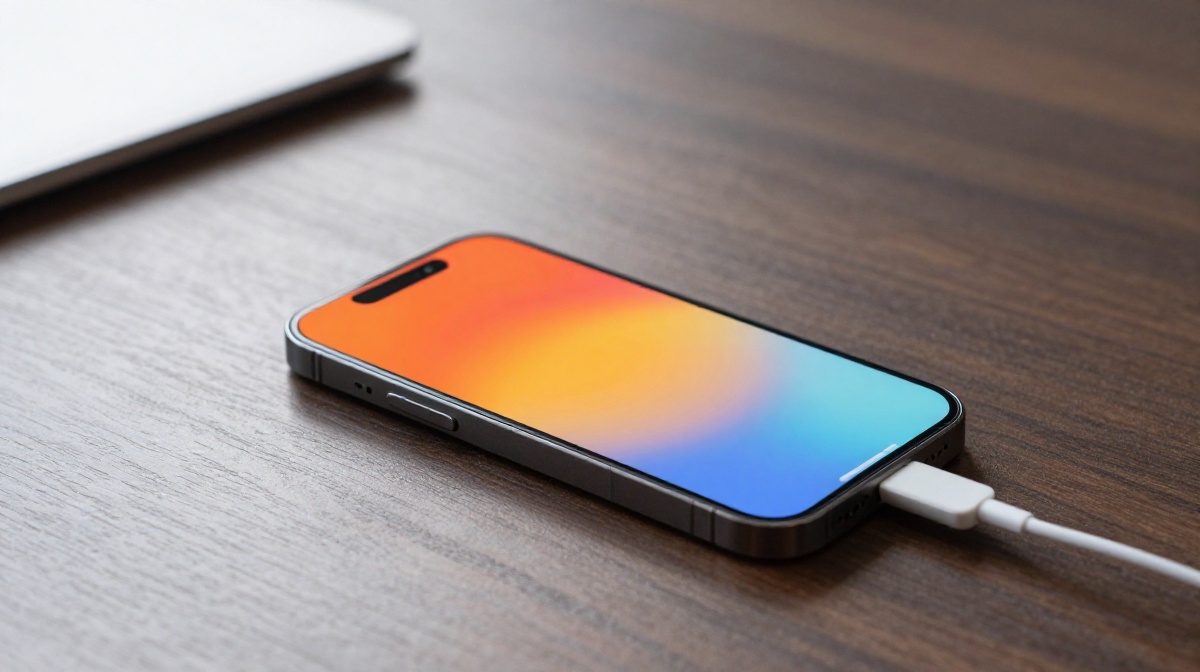
There is nothing quite as alarming as picking up your iPhone overheating while charging and feeling it radiate intense heat. In 2026, iPhones are more powerful than ever, but physics remains the same: high-speed charging combined with background processes and ambient heat can turn your device into a hand warmer.
It’s normal for your phone to get a little warm while charging, but too much heat is a warning sign. Too much heat not only makes your phone uncomfortable to hold but also wears out the battery faster, slows it down, and can even cause lasting damage inside. If you’re worried about your iPhone battery wearing out too soon or keep seeing the “Charging Paused” temperature warning, you’re in the right spot. Let’s fix the problem together.
Quick Answer: How to Stop the Heat
If your iPhone overheating while charging, unplug it right away. Take off the case and place your phone on a cool, flat surface with good airflow, away from sunlight. Wait until it cools down to room temperature. Don’t use apps that need a lot of power, like games or the camera, until your phone has cooled off.
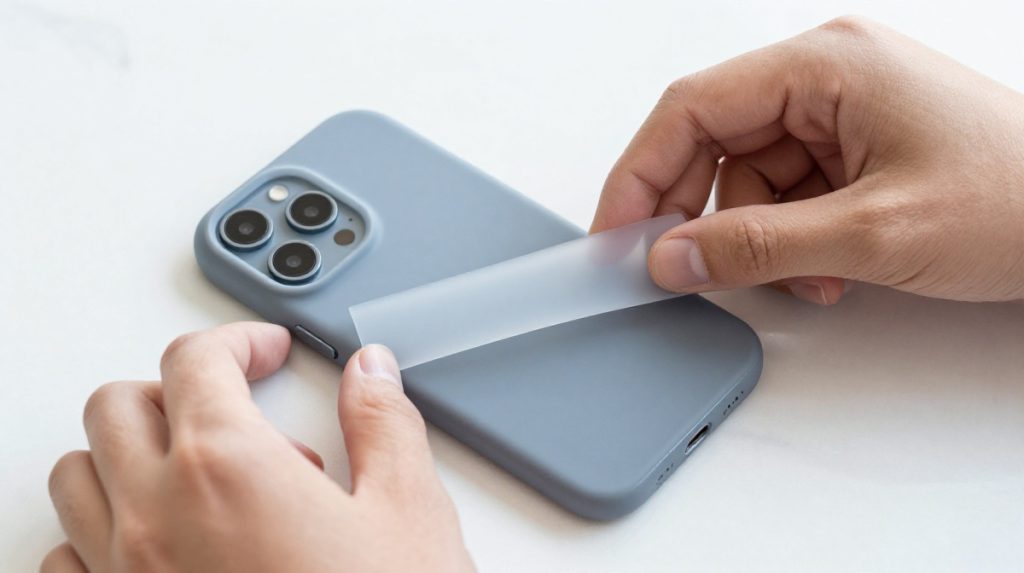
1. Remove your case for better airflow
Your iPhone is designed to dissipate heat through its chassis. A thick, rubbery, or heavy-duty protective case acts like a thermal blanket, trapping the heat generated during charging.
- Why it matters: Trapped heat has nowhere to go, causing the internal temperature to spike quickly.
- Step-by-step: When you plug your phone in, simply pop off your case for the duration of the charge.
- Real-life example: If you use a rugged, shock-absorbent case, you might notice your phone runs significantly cooler just by taking it off before plugging it into a 30W fast charger.
- Pro Tip: If you frequently charge at home, consider a MagSafe-compatible stand that holds your phone upright, exposing more of its surface area to the air.
2. Check your charging cable and adapter
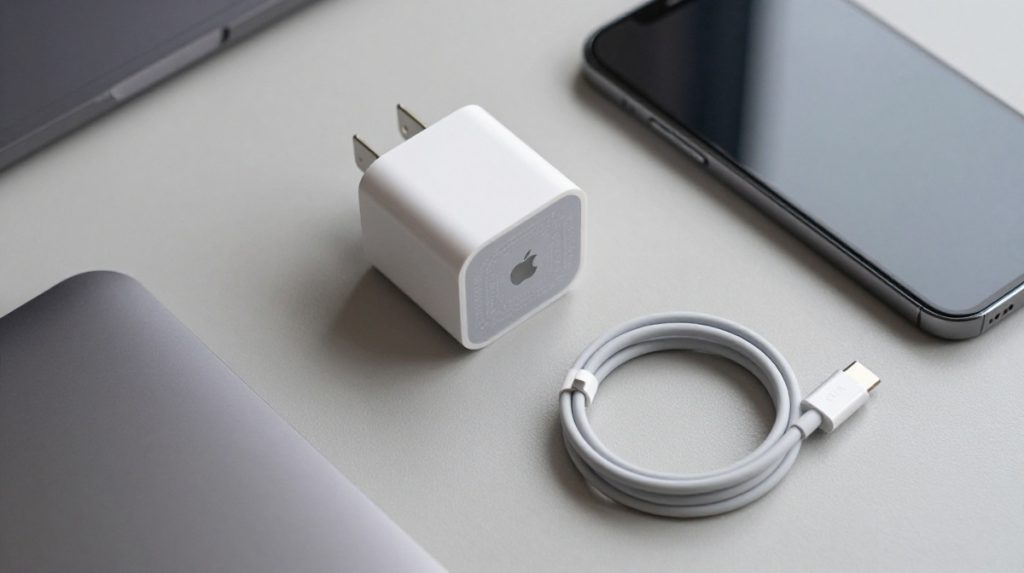
Not all chargers are created equal. Using a generic “gas station” charger or a damaged cable can cause unstable electrical current, forcing your iPhone’s battery to work harder and generating excess heat.
- Why it matters: MFi (Made for iPhone) certified chargers are designed to communicate with your iPhone to provide the optimal, stable voltage.
- Step-by-step: Inspect your cable for fraying or exposed wires. If you are using a third-party brick, check the packaging for the “Made for iPhone” logo.
- Common mistake: Using a high-wattage laptop charger (e.g., 100W+) on an older iPhone that cannot efficiently regulate the power intake. While it should be safe, it can sometimes create more heat than a standard 20W adapter.
3. Stop using the Phone while charging
We have all done it—scrolling through social media or playing a game while plugged in. However, this is the #1 cause of “iPhone overheating while charging.”
- Why it matters: Charging creates chemical heat in the battery. Running a heavy game creates heat in the processor. Doing both simultaneously forces your iPhone to handle two major heat sources at once.
- Step-by-step: Make a habit of letting your phone “rest” while it charges. If you must use it, keep it to light tasks like checking emails or reading texts.
- Pro Tip: If you need your phone for navigation in a car, try to avoid fast-charging it at the same time, as the sun through the windshield combined with the phone’s heat is a recipe for an overheating warning.
4. Optimize background App activity
Sometimes your iPhone gets hot because it is doing “housework” in the background while you are trying to charge it, such as syncing photos to iCloud or downloading major app updates.
- Why it matters: Background processes tax the CPU. When the CPU is active, it generates heat.
- Step-by-step: Go to Settings > General > Background App Refresh and turn off features for apps you don’t need running constantly. You can also temporarily pause app updates in the App Store while charging.
5. Watch your charging environment
Where you charge matters. Charging on a bed, couch, or pillow is a classic mistake. Soft surfaces insulate the bottom of the device, preventing heat from escaping.
- Why it matters: Airflow is essential. The phone needs a cool, hard surface to conduct heat away from the battery.
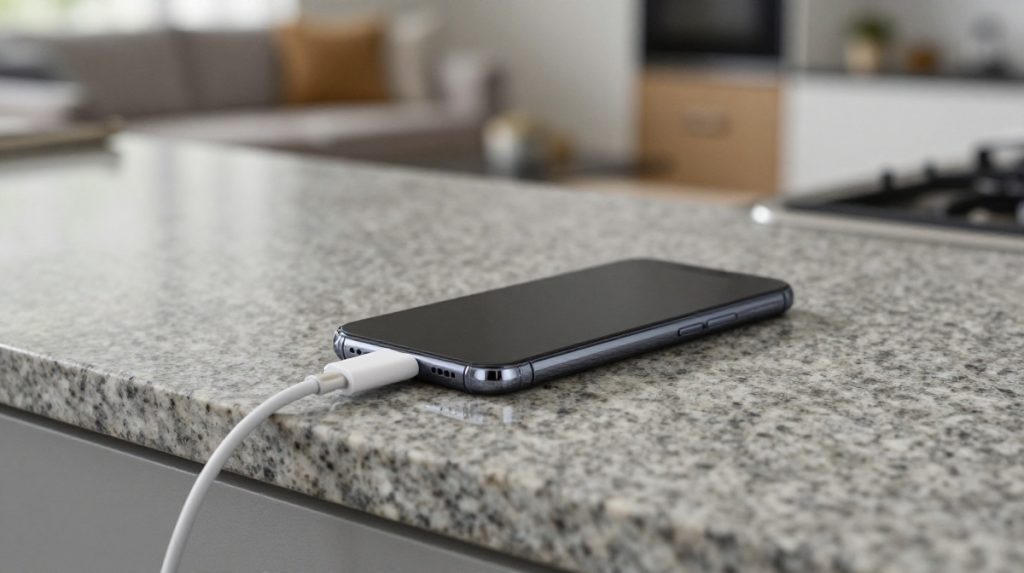
- Step-by-step: Always place your iPhone on a hard, flat surface, such as a wooden desk or a granite countertop. Avoid placing it in direct sunlight or near heat sources, such as laptop vents or radiators.
- Real-life example: Charging your phone on a duvet cover while you sleep is common, but it often leaves your phone scorching hot by morning.
6. Enable optimized battery charging
Modern iOS versions include a feature called “Optimized Battery Charging.” It learns your daily routine to wait until you are likely to wake up before charging past 80%.
- Why it matters: The final 20% of a charge is where the battery generates the most heat. By slowing this down, you keep the battery cooler for longer.
- Step-by-step: Go to Settings > Battery > Battery Health & Charging and ensure “Optimized Battery Charging” is toggled On.
7. Perform a force Restart
Sometimes a background process gets stuck in a “loop,” constantly crashing and restarting. This consumes CPU power and generates heat even when you aren’t touching the screen.
- Why it matters: A force restart clears the temporary memory and kills any “runaway” apps or system processes causing the heat.
- Step-by-step: Quickly press and release the Volume Up button, then the Volume Down button, and finally, press and hold the Side Button until the Apple logo appears.
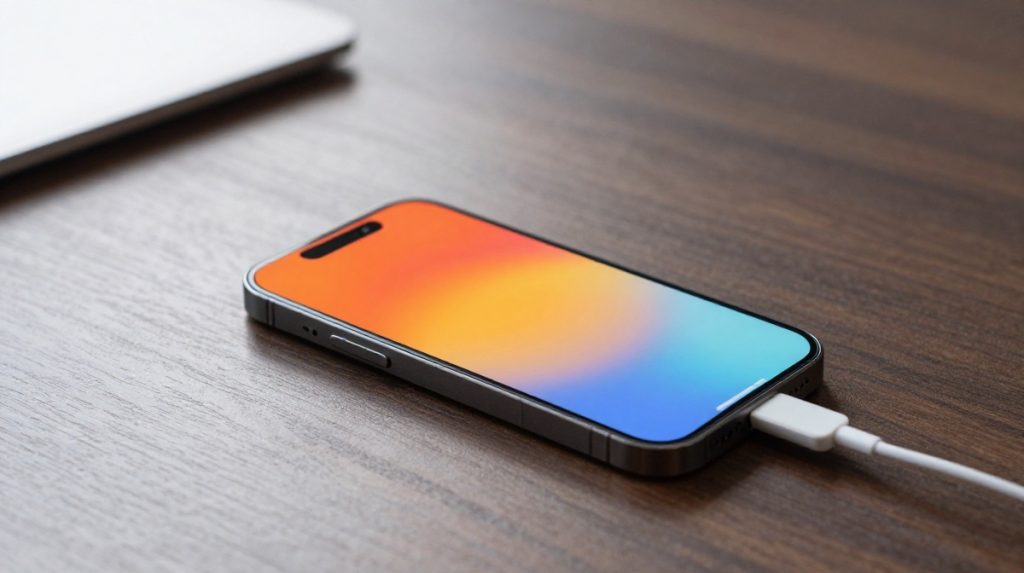
FAQ’s of iPhone overheating while charging
- Is it dangerous if your iPhone overheating while charging? –> If it just feels warm, that is normal. But if it becomes hot to the touch or shows a temperature warning, that is not normal. If your phone overheats often, it can damage the battery over time.
- Should I put my phone in the fridge to cool it down? → No! Never put your phone in the fridge or freezer. Rapid temperature changes can cause condensation inside the device, leading to water damage.
- Why does my iPhone 17 (or newer) get hot while fast charging? → Fast charging moves a lot of energy very quickly. It is normal for the device to feel warm during the first 30–50% of the charge cycle, but it should cool down as it reaches 80%.
- Does wireless charging cause more heat? → Yes. Wireless charging is less efficient than wired charging, resulting in greater energy loss as heat. If your phone runs hot wirelessly, switch to a wired MFi-certified cable.
- How do I know if my battery is “dying”? → Go to Settings > Battery > Battery Health. If your “Maximum Capacity” is below 80%, your battery is physically worn out and will naturally generate more heat and struggle to hold a charge.
Key Takeaways: your iPhone overheating while charging:
- Heat is the enemy: keep your device on a cool, hard surface.
- Remove the case: It’s the easiest way to instantly improve airflow.
- Stop the multitasking: Don’t game or stream while charging.
- Check the hardware: Only use certified cables and adapters.
- Software counts: Ensure “Optimized Battery Charging” is enabled to protect long-term health.
In conclusion, an iPhone overheating while charging is usually a sign that it’s working harder than it needs to. By following these seven steps—prioritizing airflow, using quality accessories, and managing your background usage—you can significantly lower your iPhone’s temperature while it charges. Not only will this prevent those annoying temperature warnings, but it will also ensure your battery stays healthy for years to come.
If you have tried all these fixes and your phone still gets dangerously hot, it may be time to visit an authorized Apple service provider to check for a hardware defect.